Aggregate
Panel 4 Aggregate of the BEMGen tab: 4 components. Back to the component reference.
| Name | Nickname | Kind | |
|---|---|---|---|
 |
Single Zone Building | 1ZBldg |
component |
 |
Single Zone per Floor Type | 1ZType |
component |
 |
Stack Floors | Stack |
component |
 |
Stacked Floor Zone Multiplier | ZMult |
component |
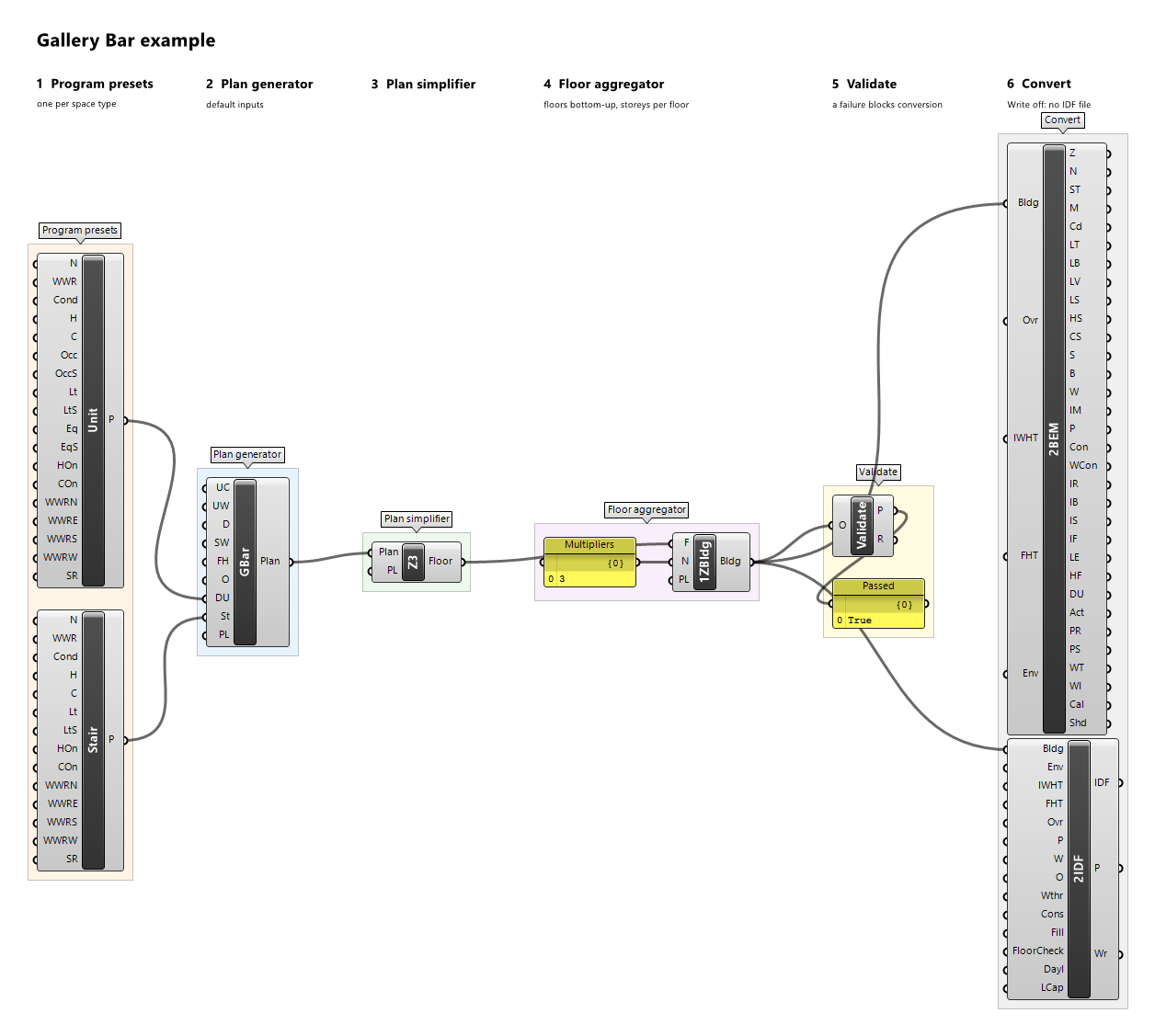
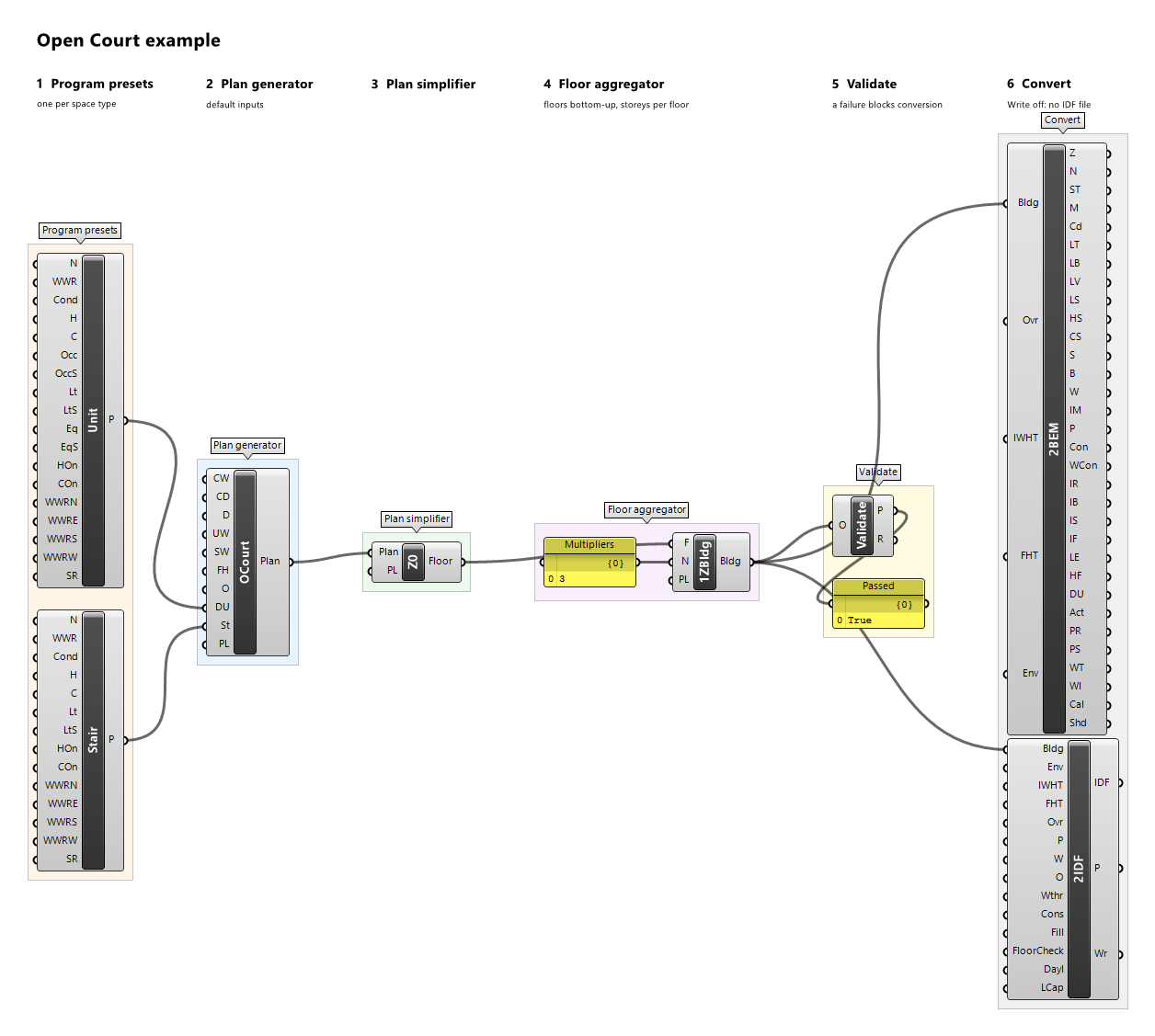
Single Zone Building
Component · nickname 1ZBldg · GUID 50965154-e31e-4730-b61c-15a6f40bee6f · exposure primary
The whole building as one zone, BUILDING: slabs become internal mass, walls between merged zones are discarded. Every rebuilt outdoor wall gets one centred window with the glazed area of the windows it covers.
Inputs
| Name | Nickname | Type | Access | Optional | Default | Description |
|---|---|---|---|---|---|---|
| Floors | F |
Floor | list | no | – | Floors, bottom to top. |
| Multipliers | N |
Integer | list | yes | – | How many storeys each floor stands for (stacked explicitly before merging). Default 1. |
| Preview Location | PL |
Vector | item | yes | {0,0,0} |
Moves this component's viewport preview by this vector, in model units; the data and all outputs keep their true coordinates. |
Outputs
| Name | Nickname | Type | Access | Description |
|---|---|---|---|---|
| Building | Bldg |
Building | item | The building. |
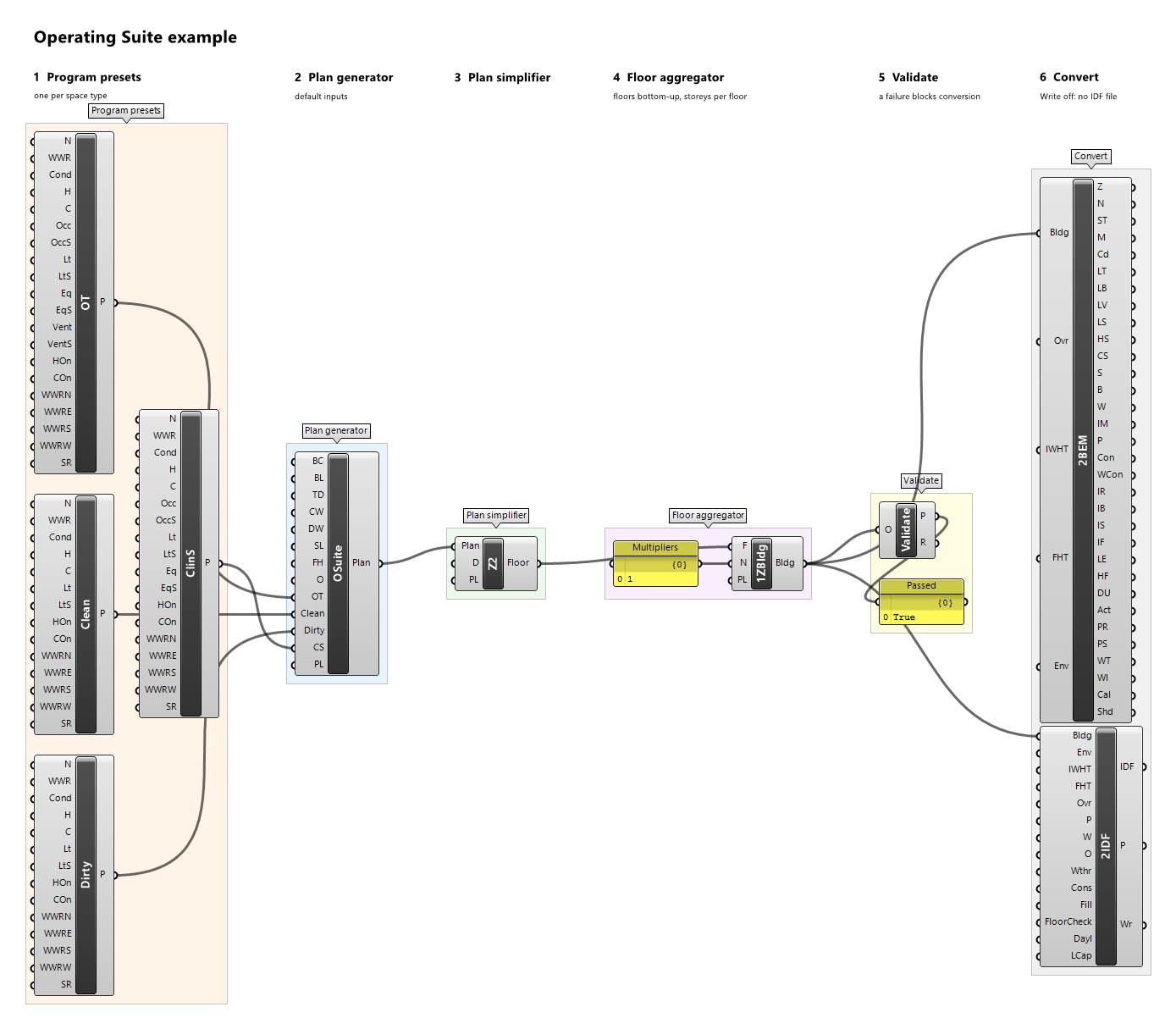
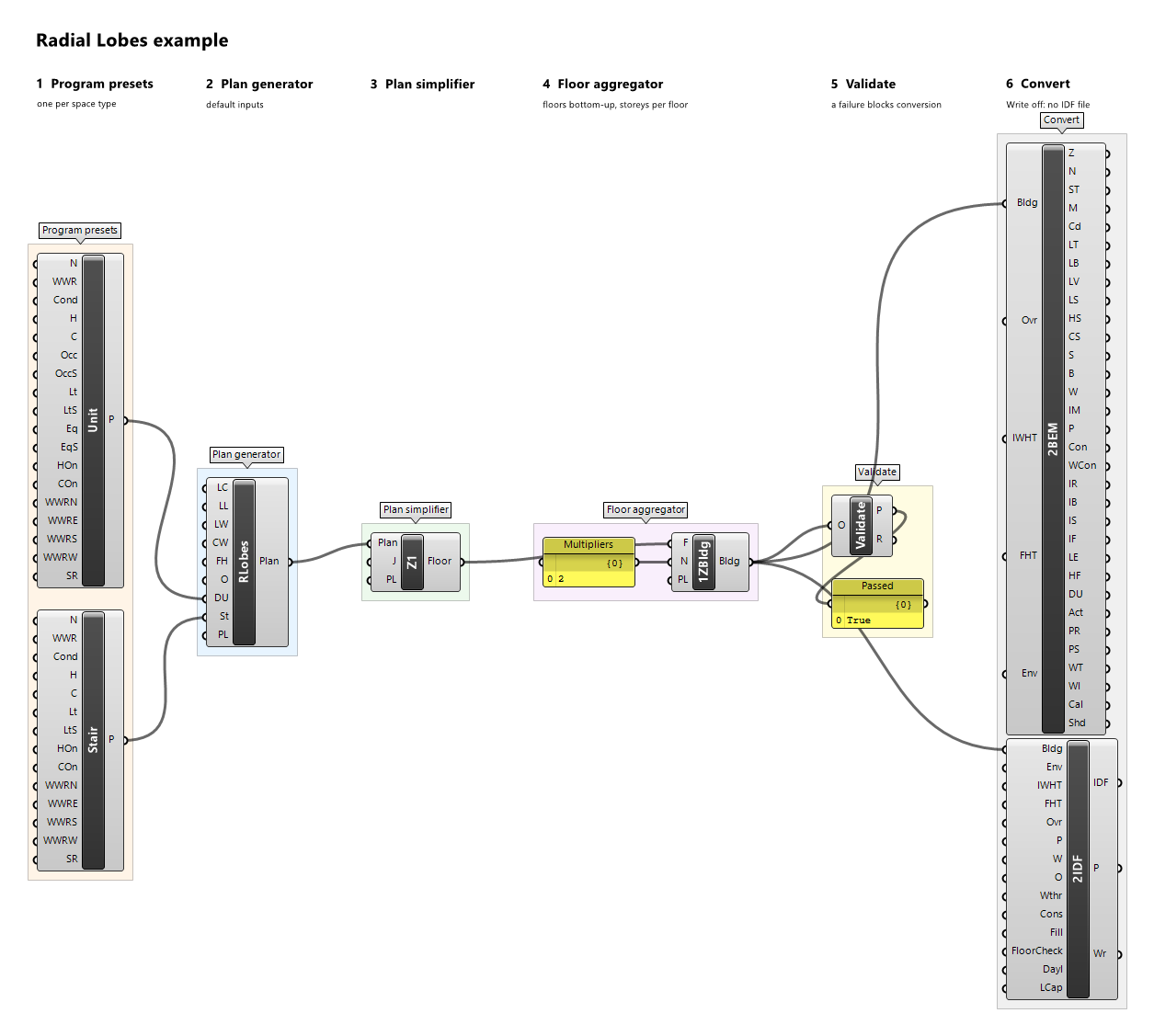
Example definitions: gallery-bar.gh (canvas), open-court.gh (canvas), operating-suite.gh (canvas), radial-lobes.gh (canvas).
Single Zone per Floor Type
Component · nickname 1ZType · GUID 506d5037-de93-4aee-a6c4-47dcc97509e1 · exposure primary
One zone per floor entry: the storeys of entry i merge into zone E{i}. Slabs within an entry become internal mass, walls between merged zones are discarded, and floors and ceilings between entries stay between two zones. Every rebuilt outdoor wall gets one centred window with the glazed area of the windows it covers.
Inputs
| Name | Nickname | Type | Access | Optional | Default | Description |
|---|---|---|---|---|---|---|
| Floors | F |
Floor | list | no | – | Floors, bottom to top. |
| Multipliers | N |
Integer | list | yes | – | How many storeys each floor stands for (stacked explicitly before merging). Default 1. |
| Preview Location | PL |
Vector | item | yes | {0,0,0} |
Moves this component's viewport preview by this vector, in model units; the data and all outputs keep their true coordinates. |
Outputs
| Name | Nickname | Type | Access | Description |
|---|---|---|---|---|
| Building | Bldg |
Building | item | The building. |
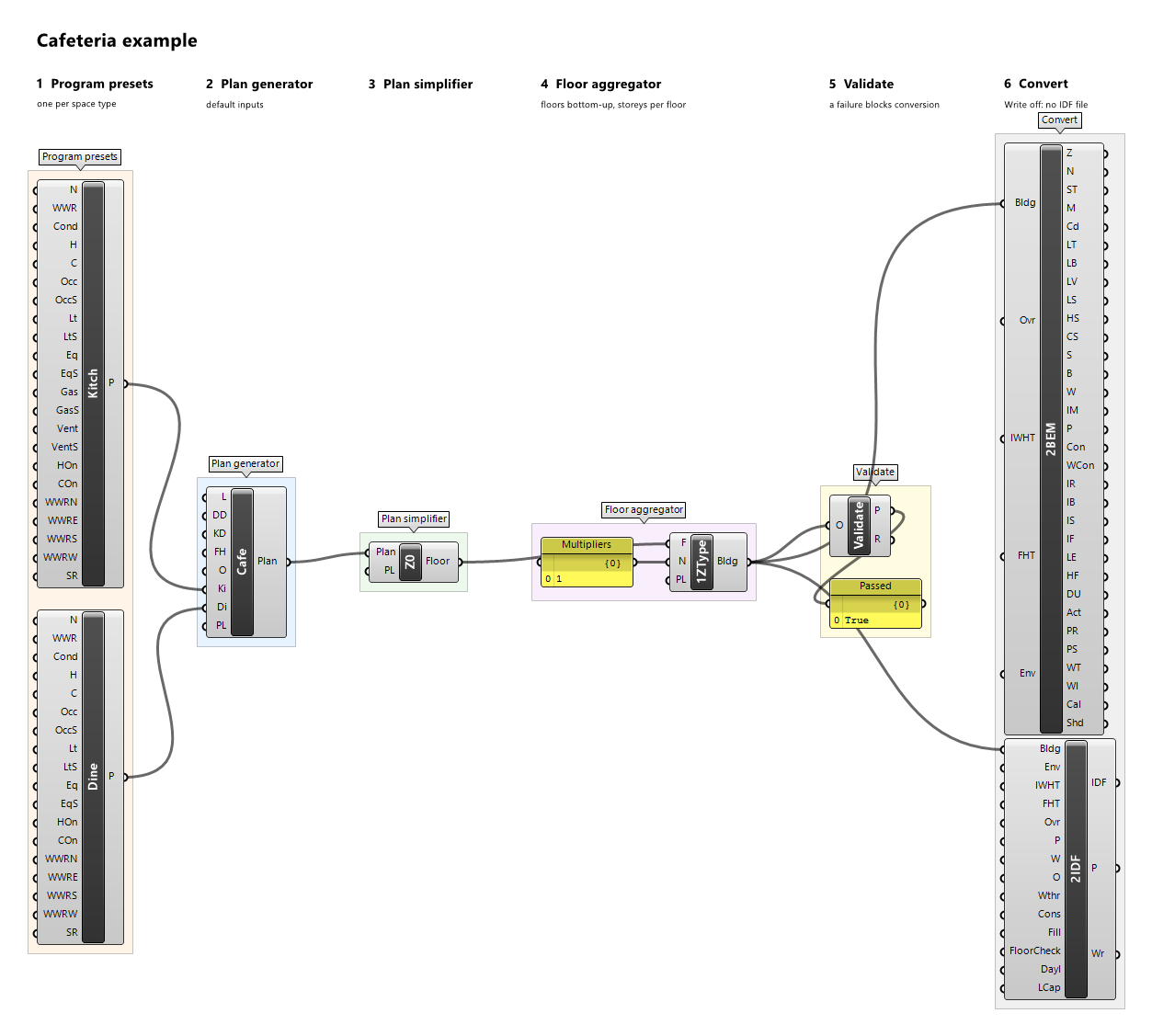
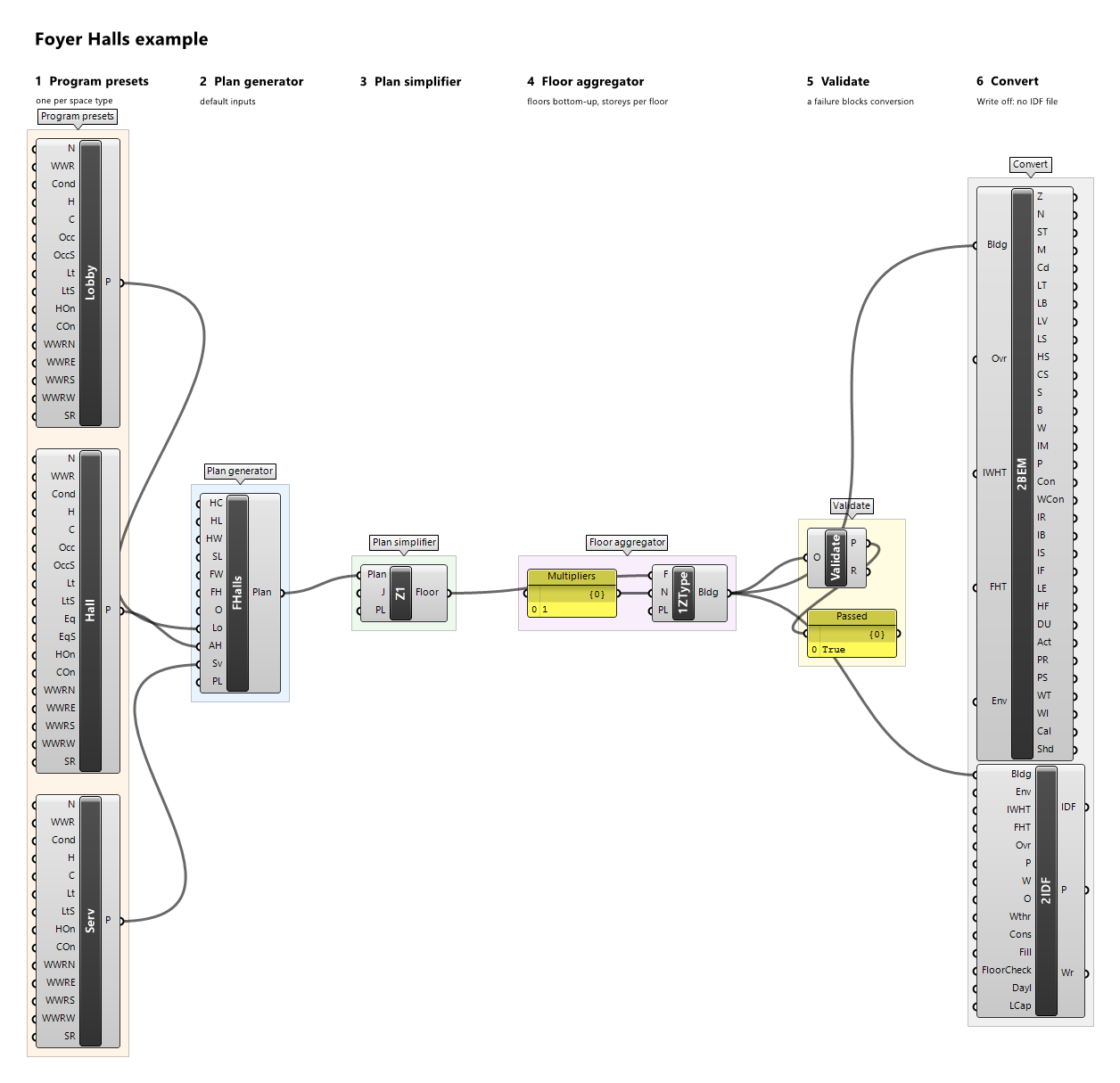
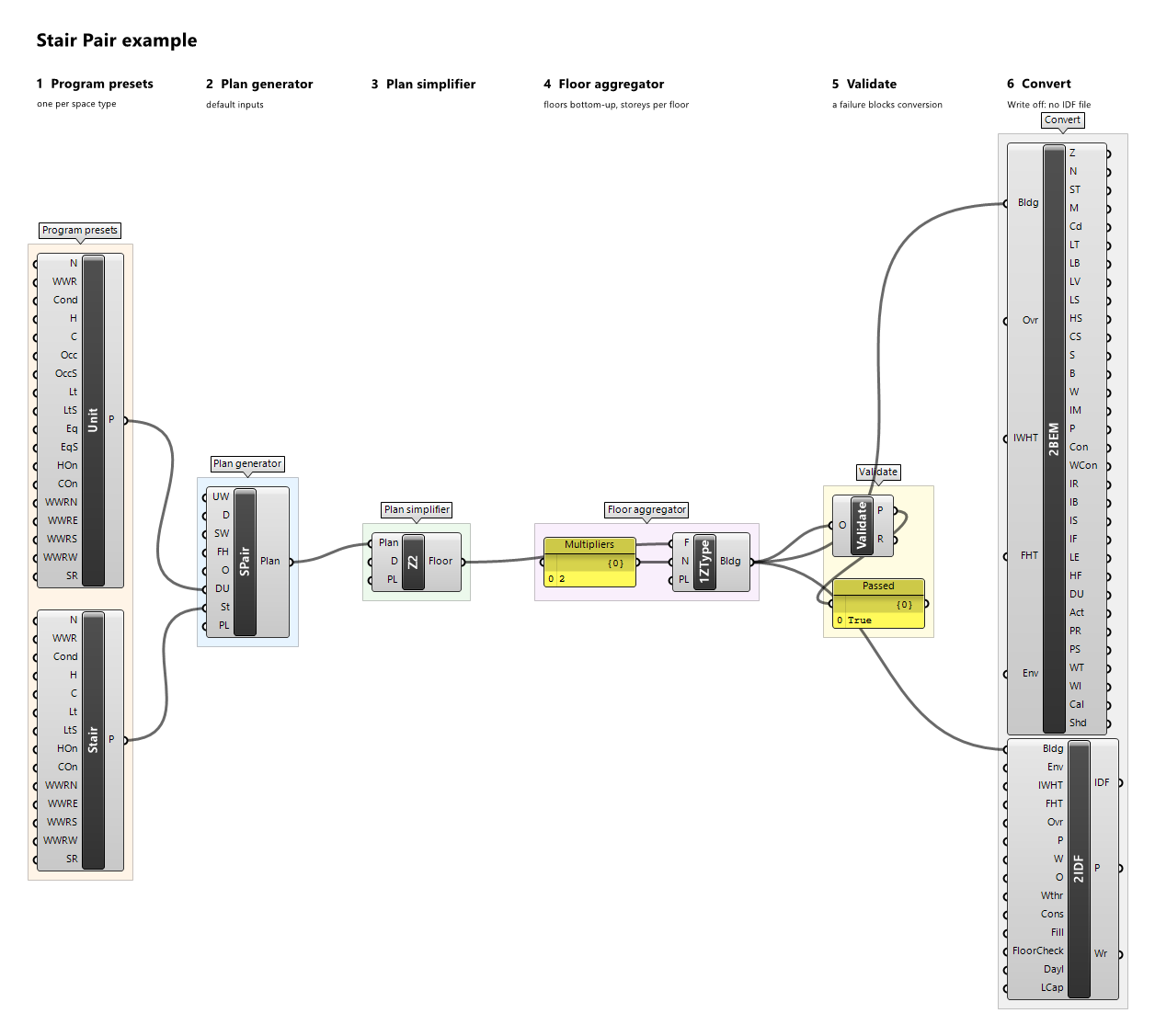
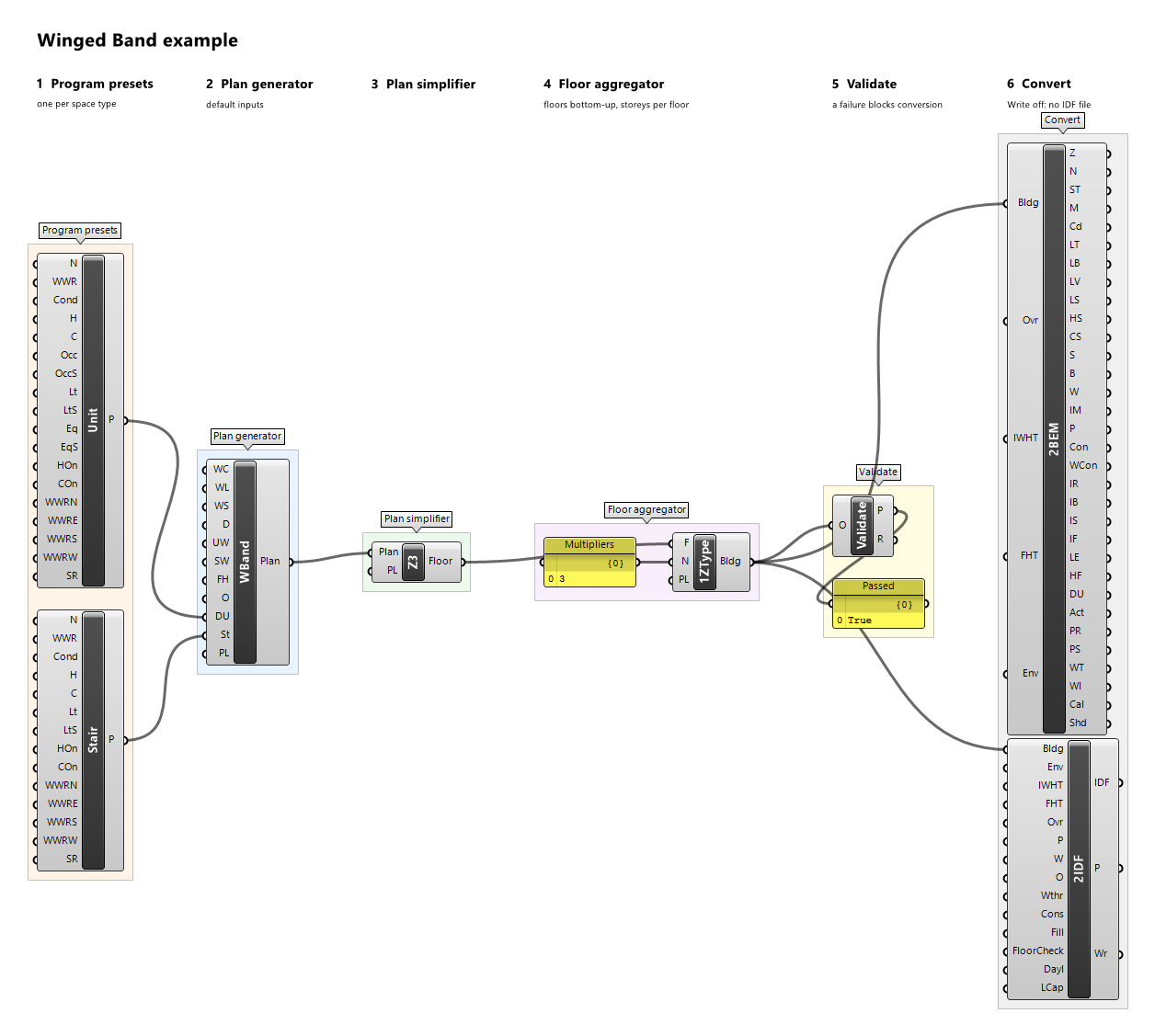
Example definitions: cafeteria.gh (canvas), foyer-halls.gh (canvas), stair-pair.gh (canvas), winged-band.gh (canvas).
Stack Floors
Component · nickname Stack · GUID 6ce6524d-09b0-49fc-9b88-4c15bdcc8797 · exposure primary
All storeys explicit: each floor is repeated by its multiplier and stacked; inter-storey surfaces are interzone.
Inputs
| Name | Nickname | Type | Access | Optional | Default | Description |
|---|---|---|---|---|---|---|
| Floors | F |
Floor | list | no | – | Floors, bottom to top. |
| Multipliers | N |
Integer | list | yes | – | How many storeys each floor stands for (repeated explicitly). Default 1. |
| Preview Location | PL |
Vector | item | yes | {0,0,0} |
Moves this component's viewport preview by this vector, in model units; the data and all outputs keep their true coordinates. |
Outputs
| Name | Nickname | Type | Access | Description |
|---|---|---|---|---|
| Building | Bldg |
Building | item | The building. |
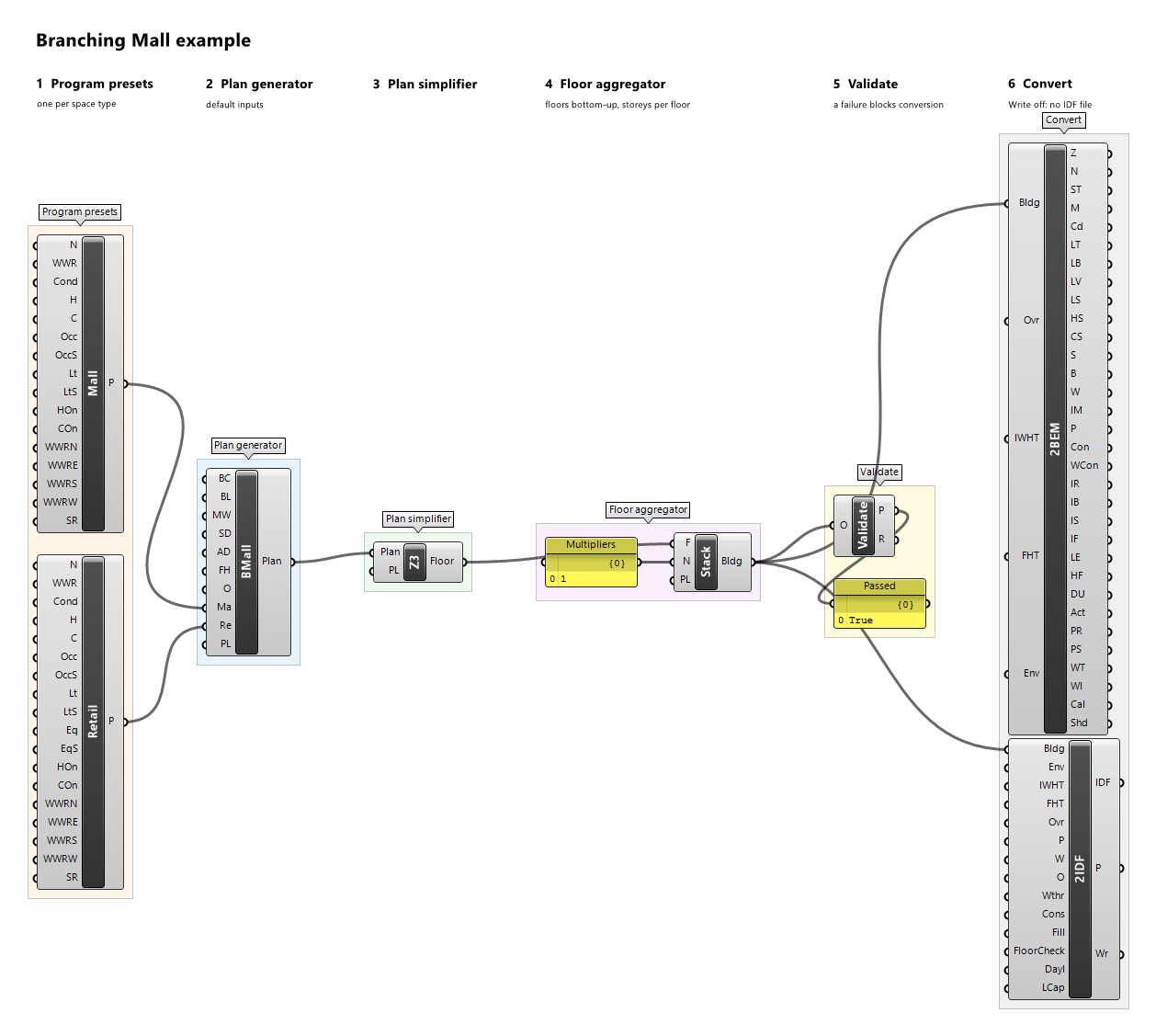
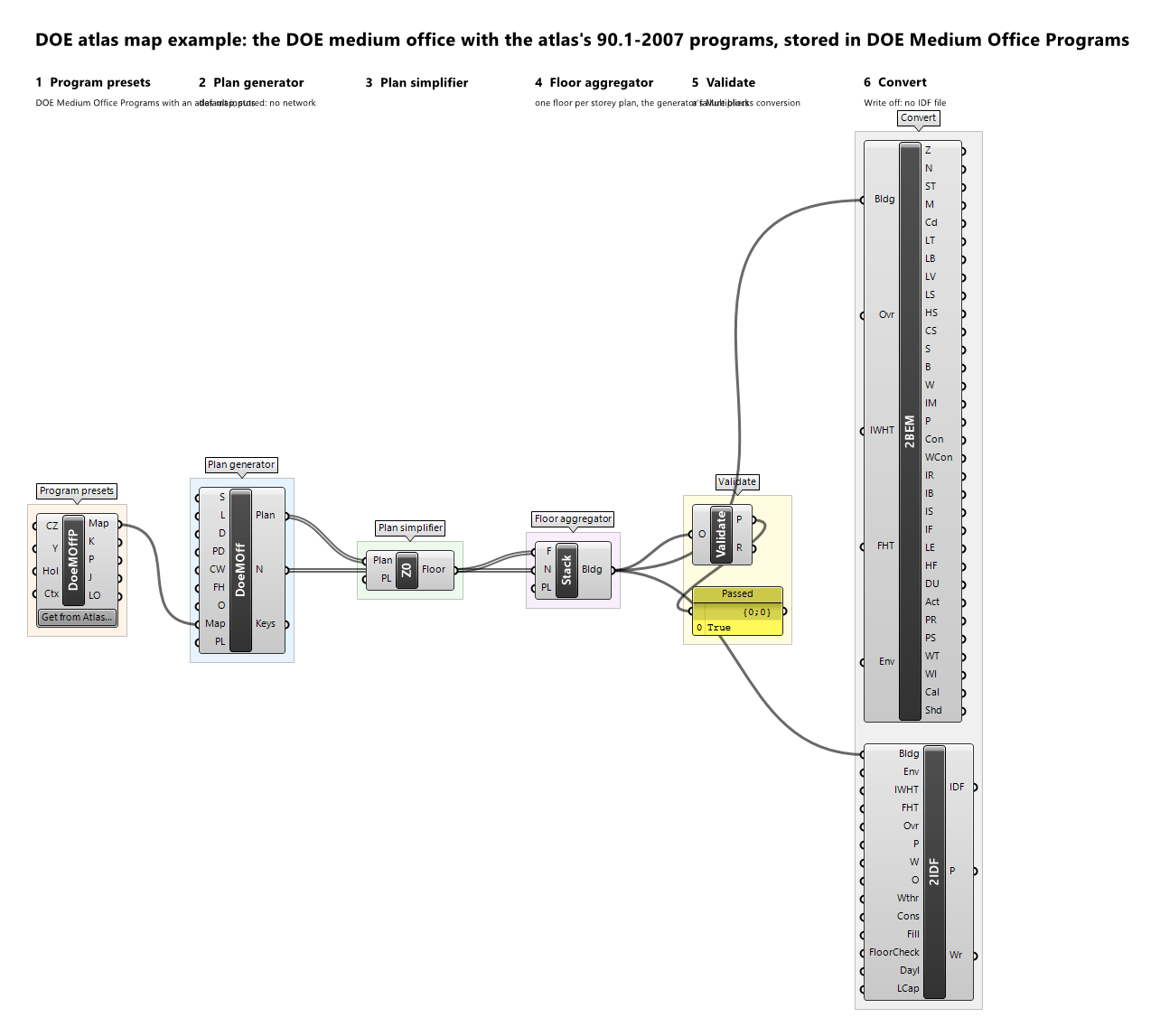
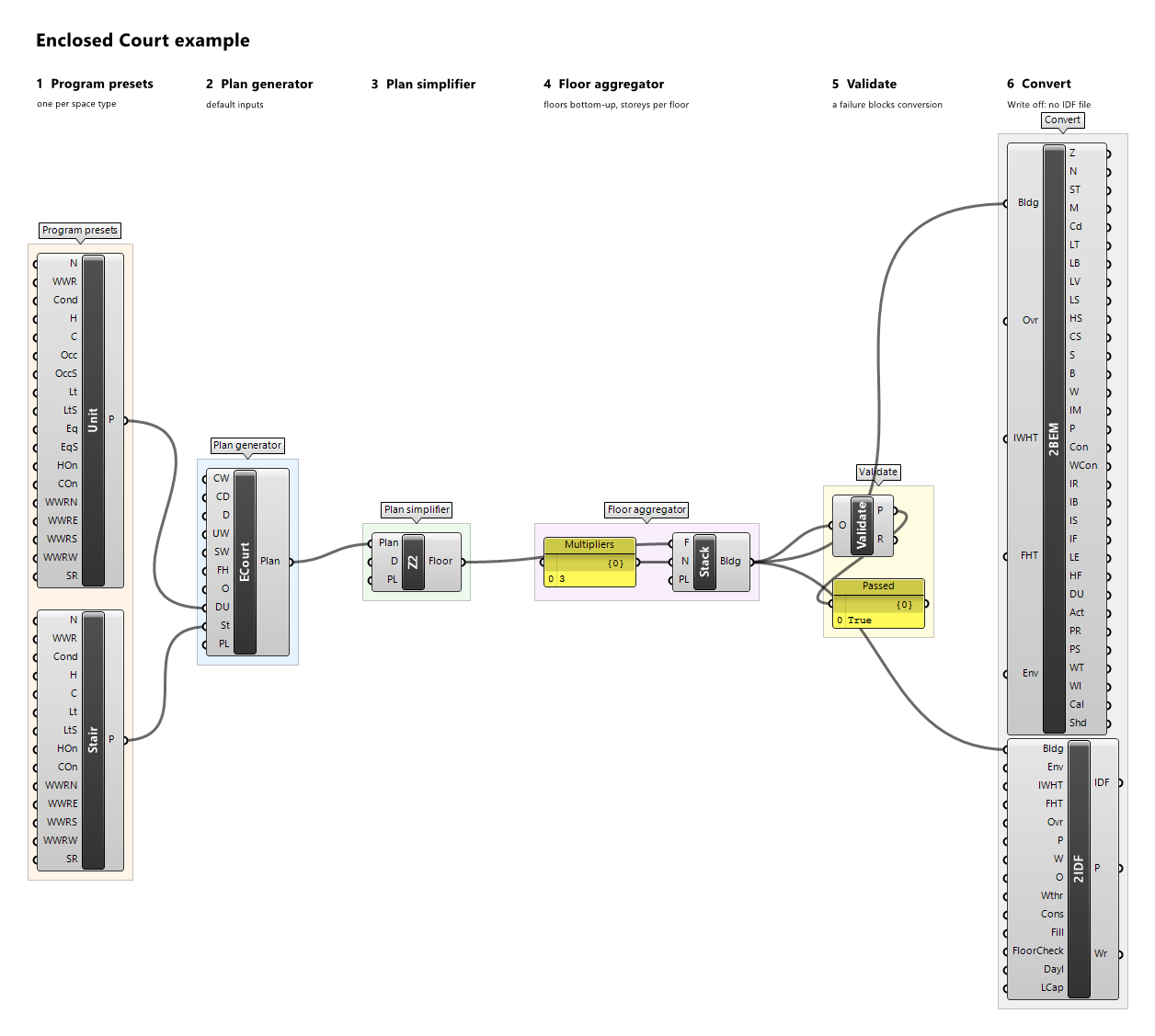
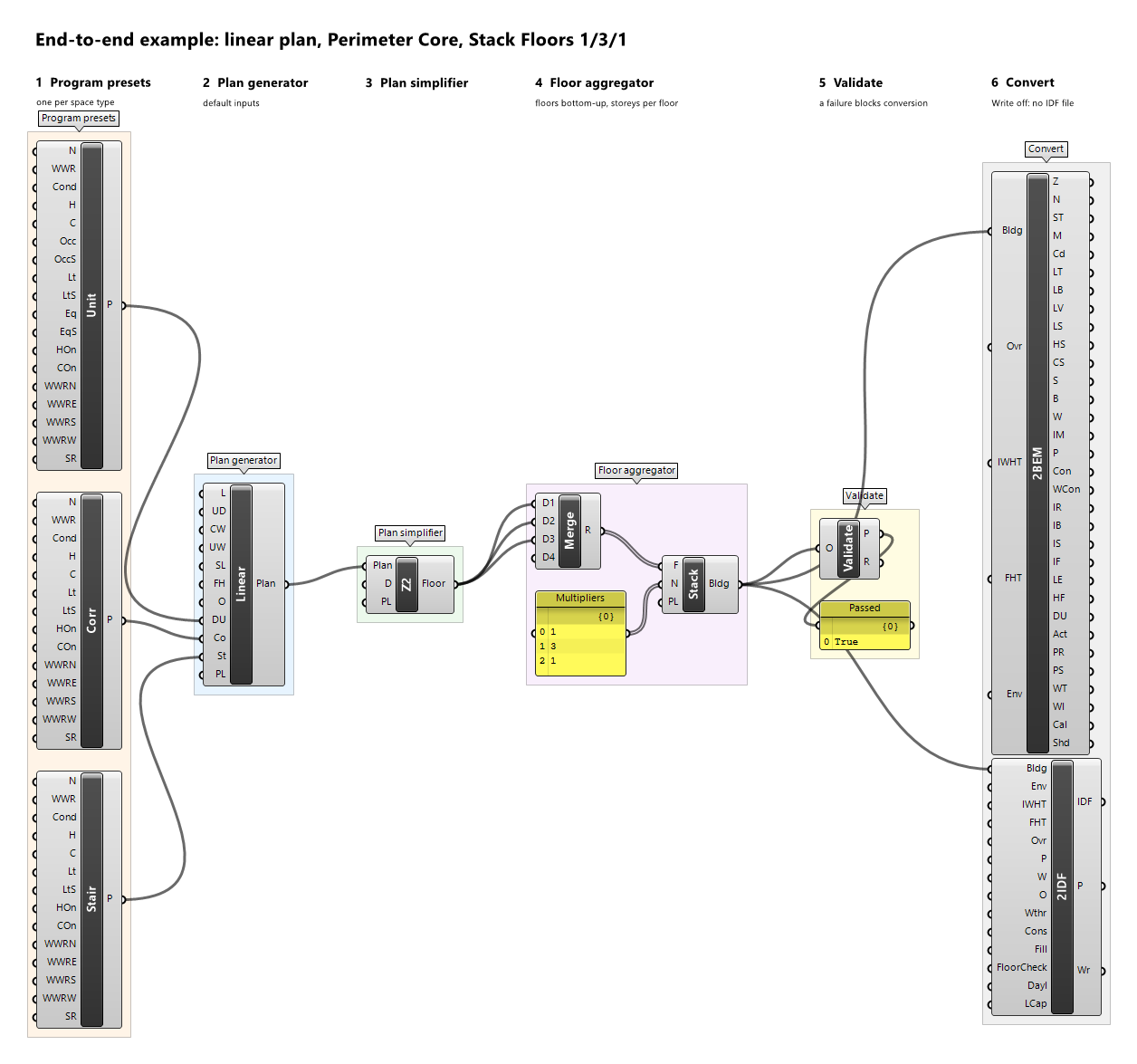
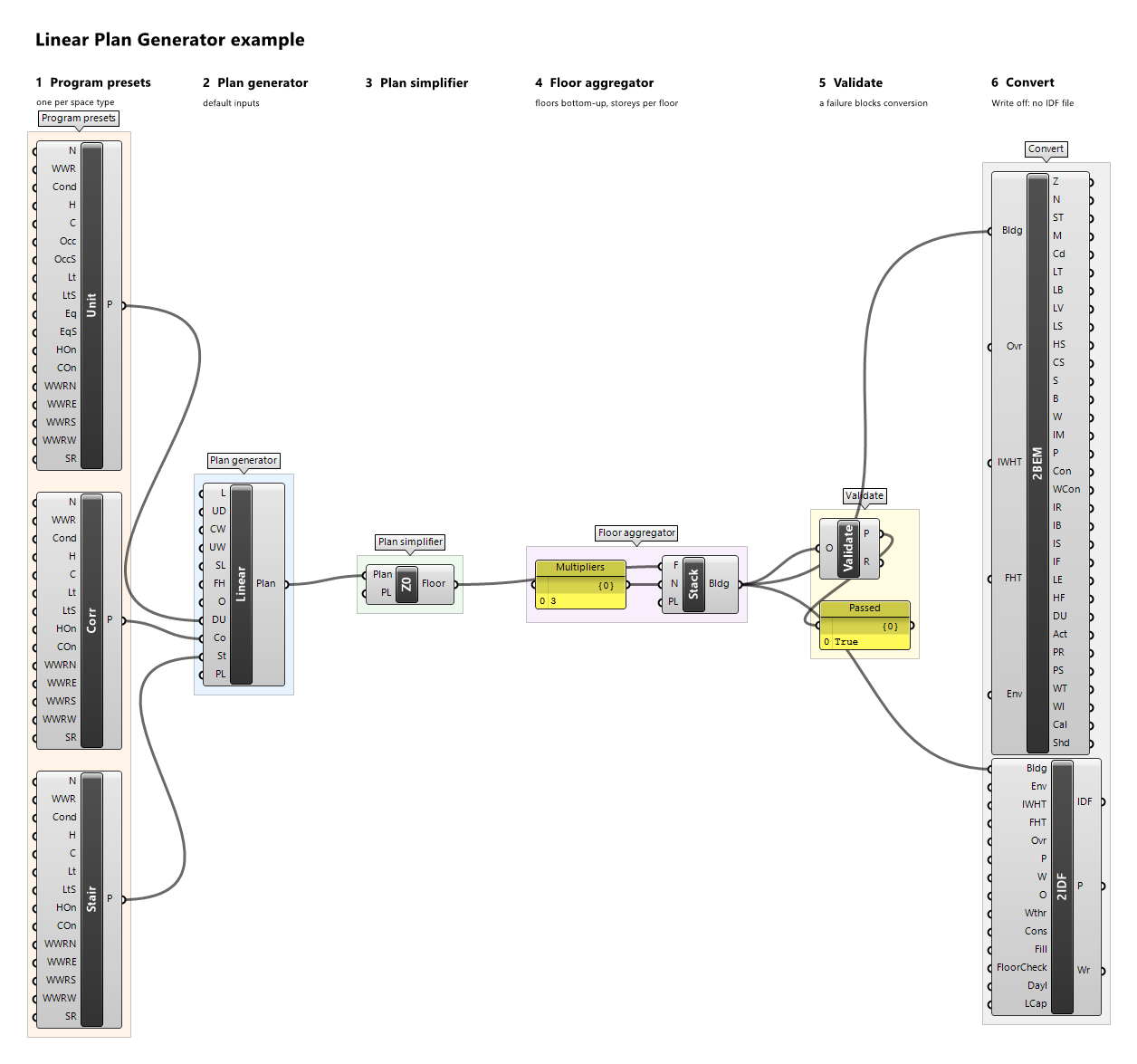
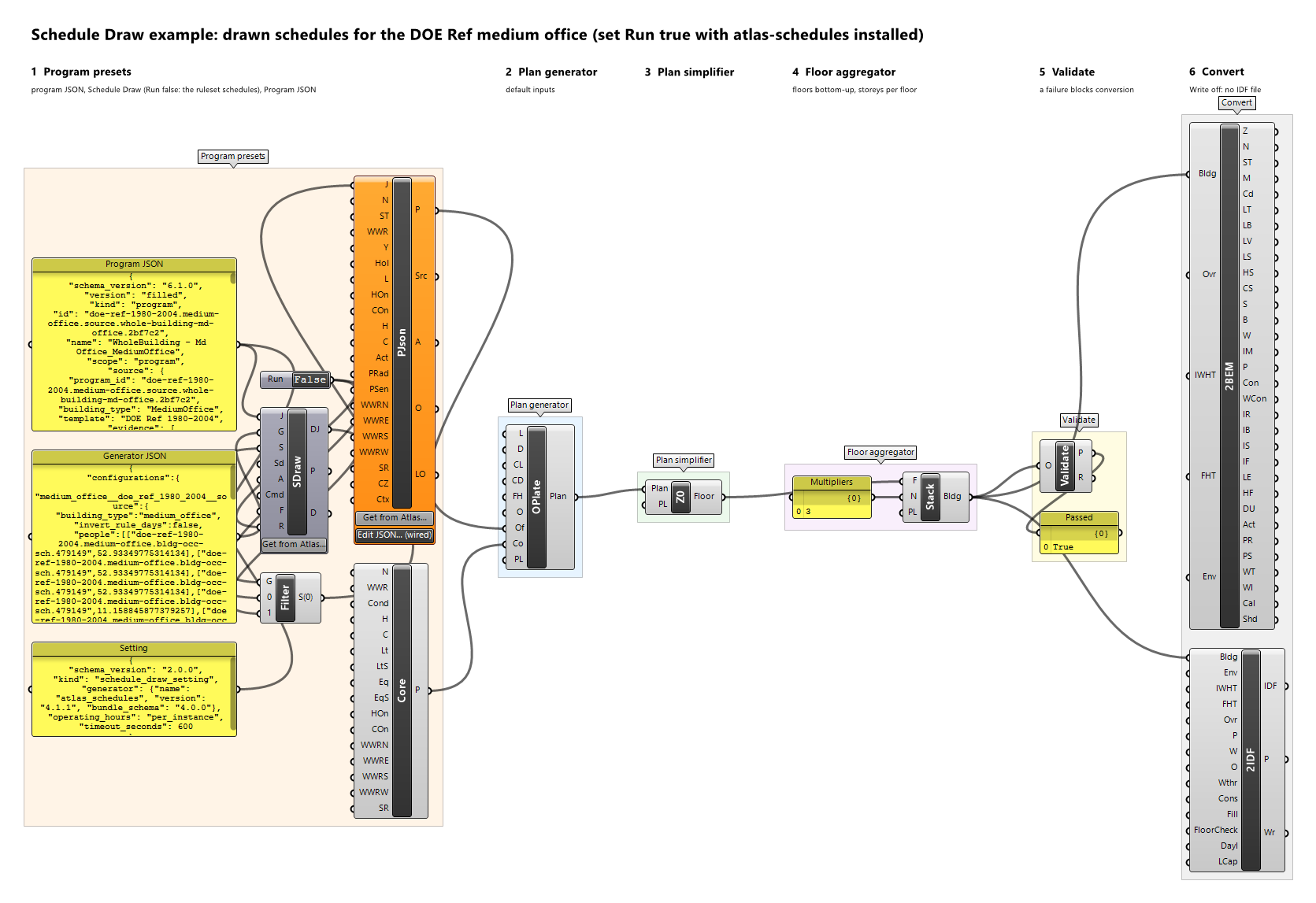
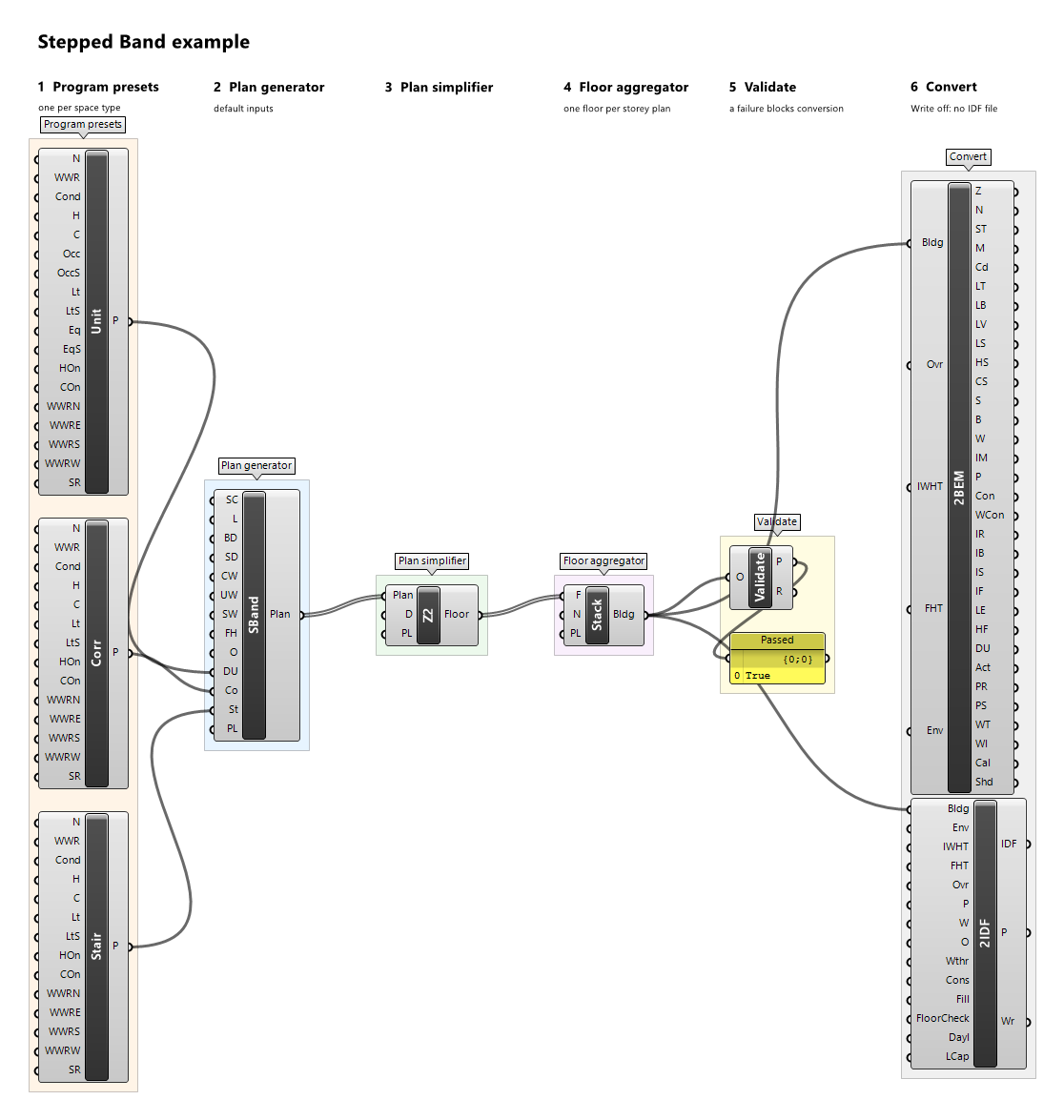
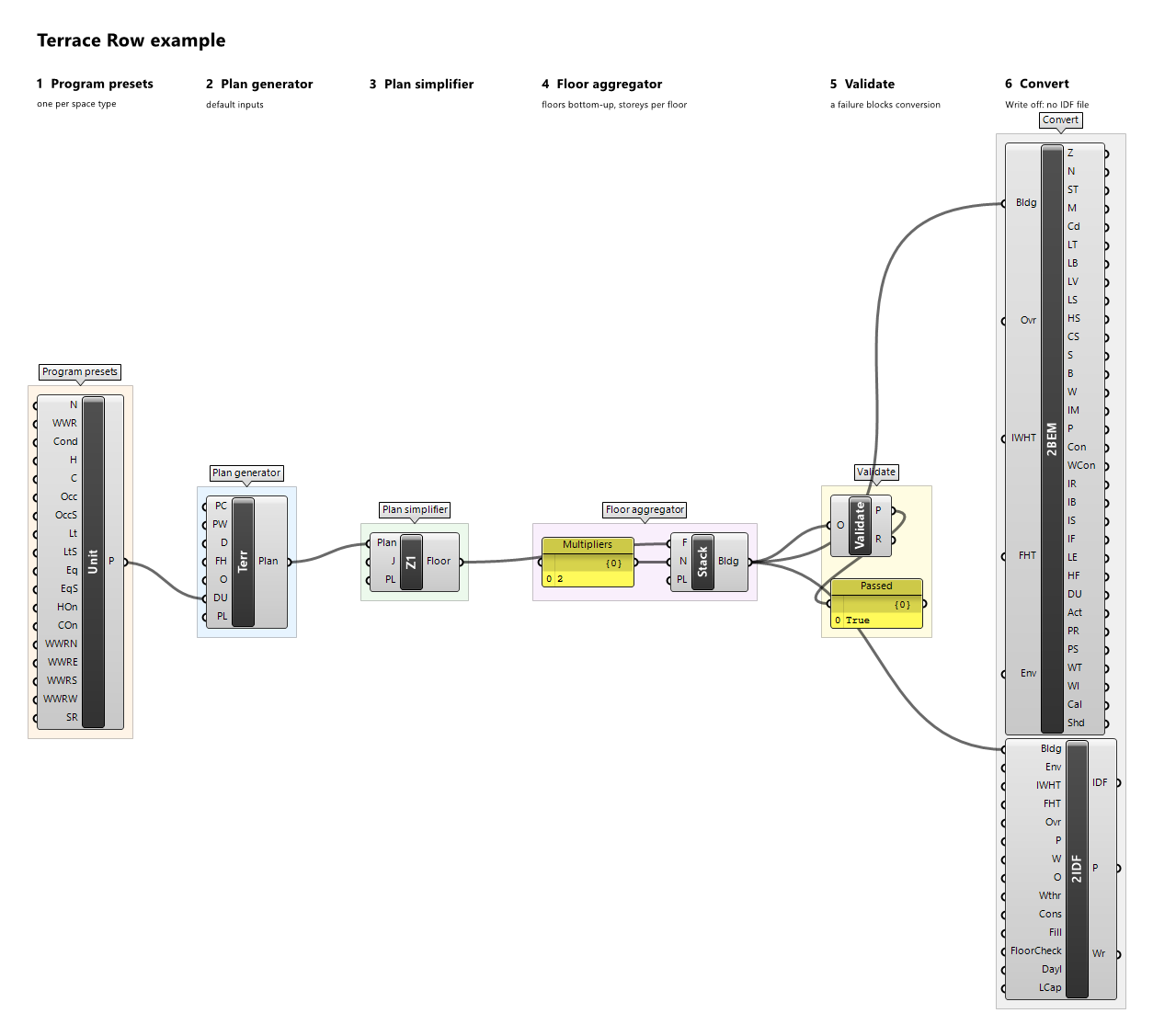
Example definitions: branching-mall.gh (canvas), doe-atlas-map.gh (canvas), enclosed-court.gh (canvas), end-to-end.gh (canvas), linear-plan.gh (canvas), schedule-draw.gh (canvas), stepped-band.gh (canvas), terrace-row.gh (canvas).
Stacked Floor Zone Multiplier
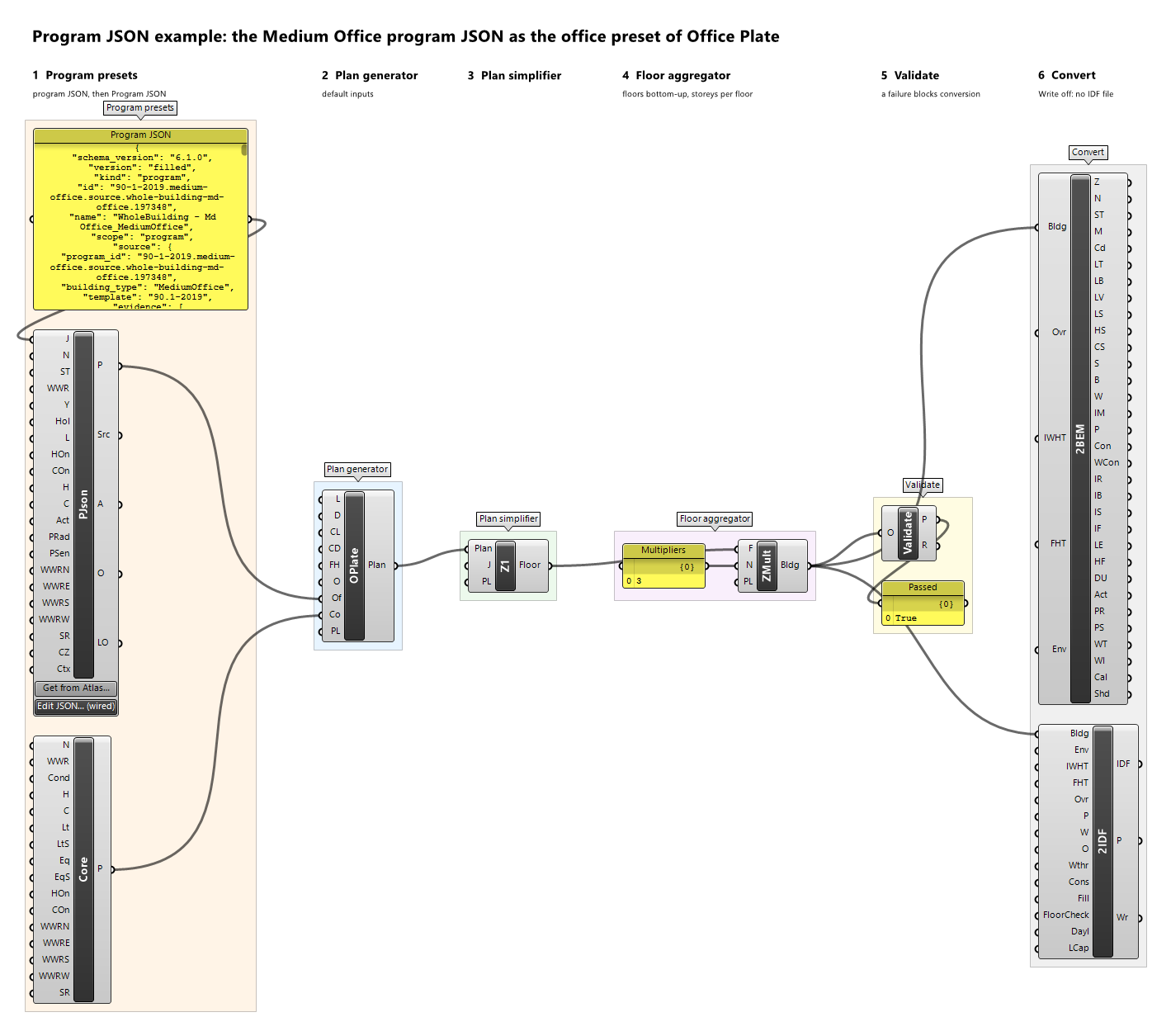
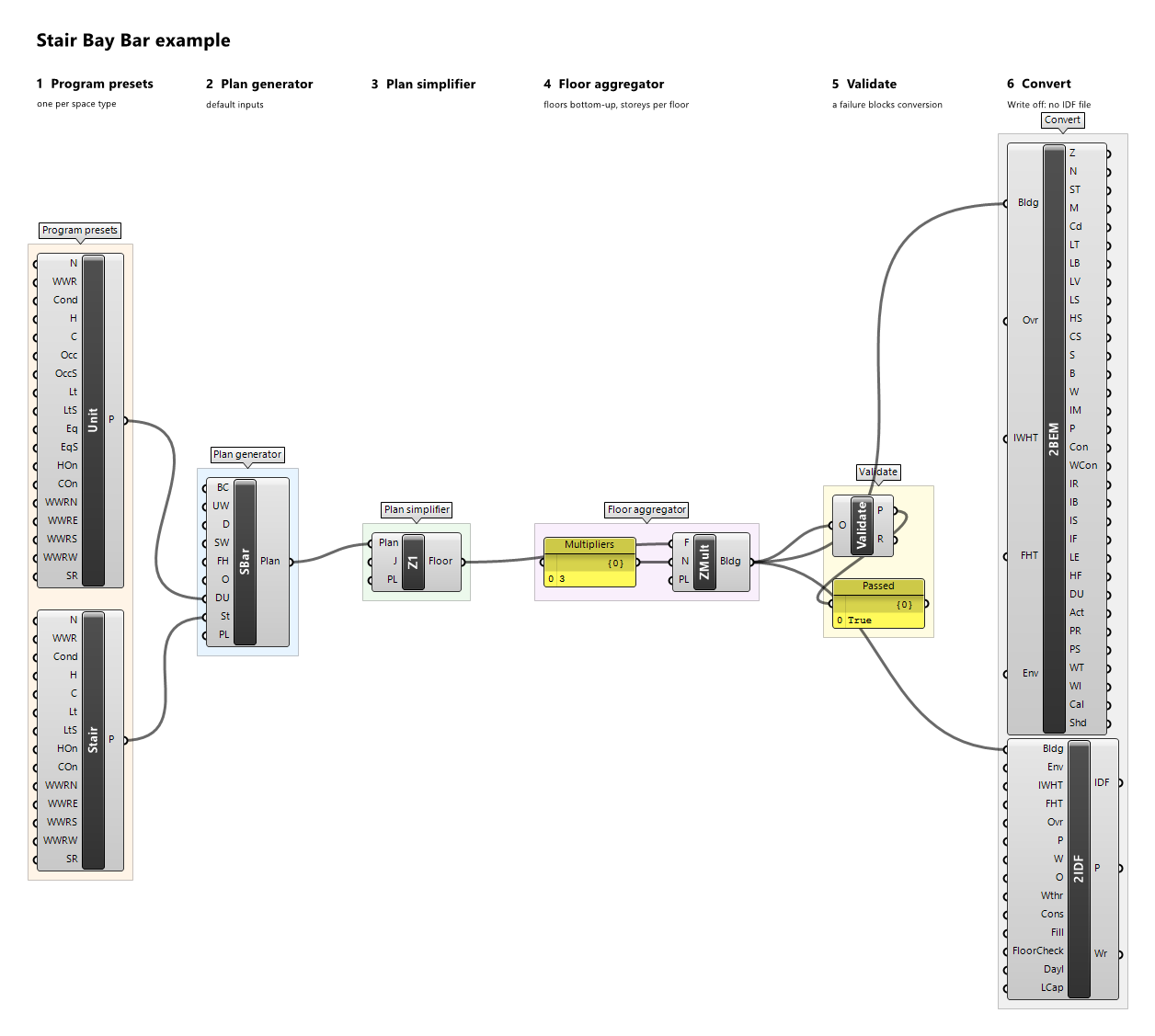
Component · nickname ZMult · GUID e4b44821-c9ed-49b9-9c4e-7c08355254dd · exposure primary
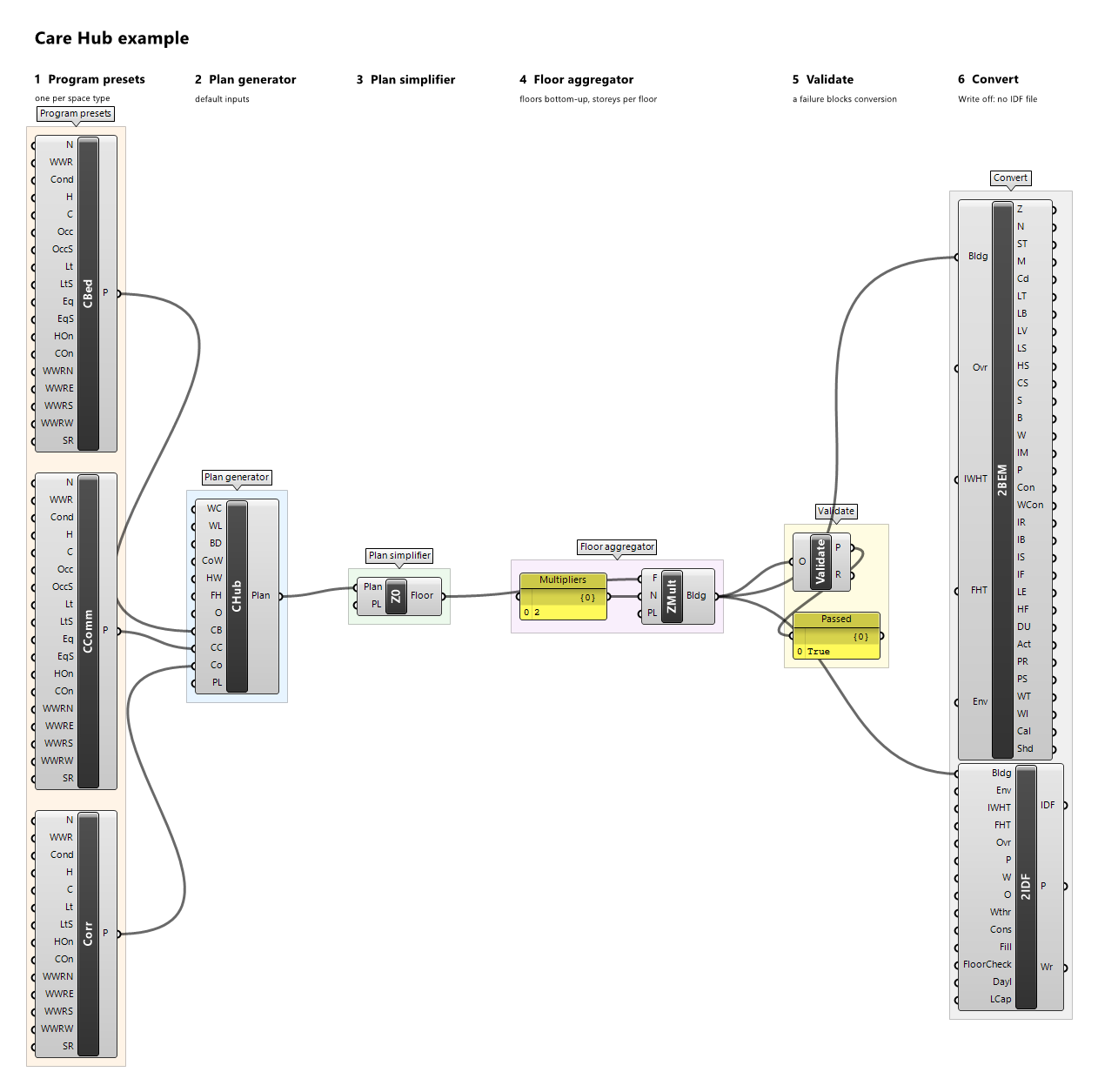
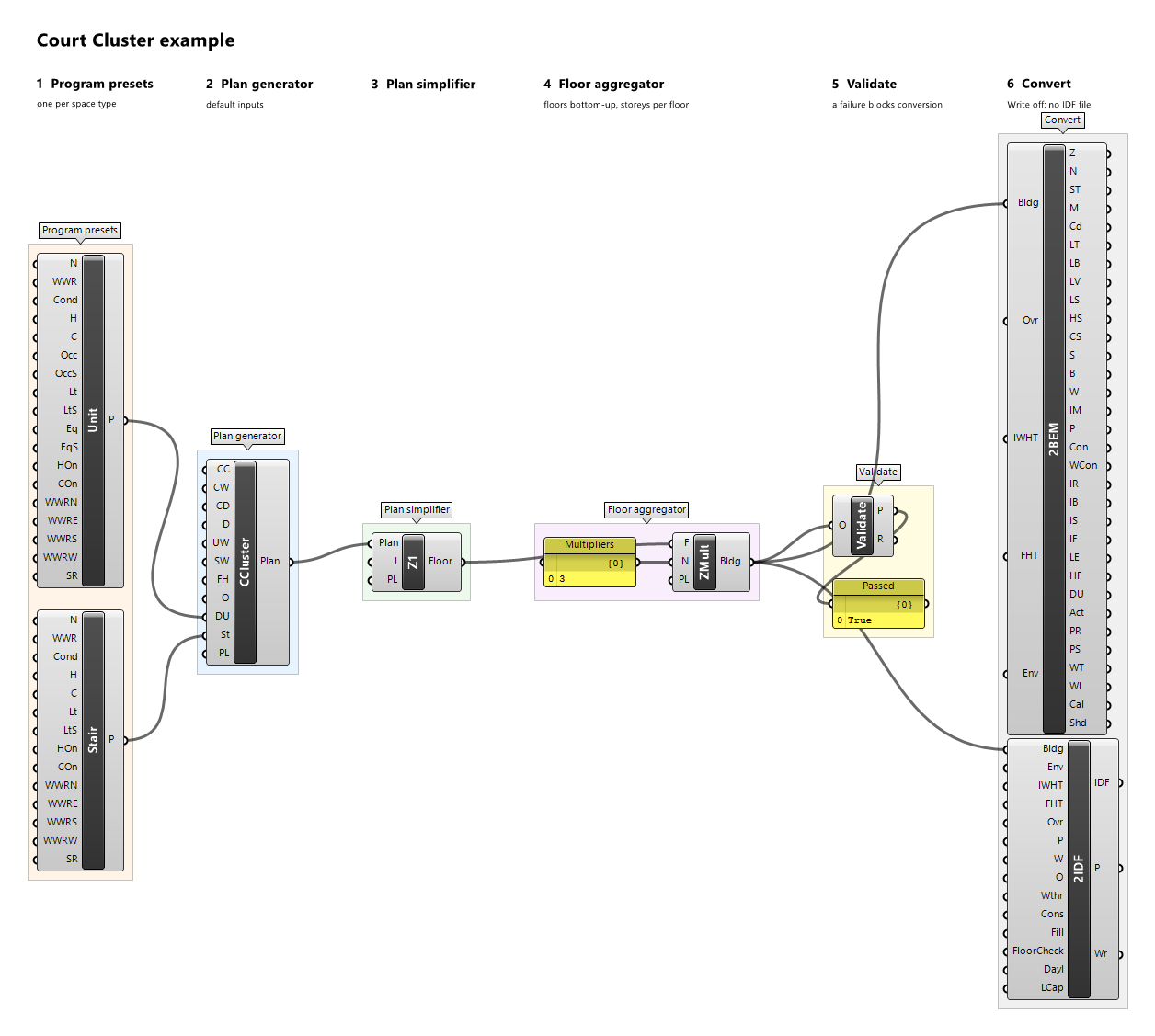
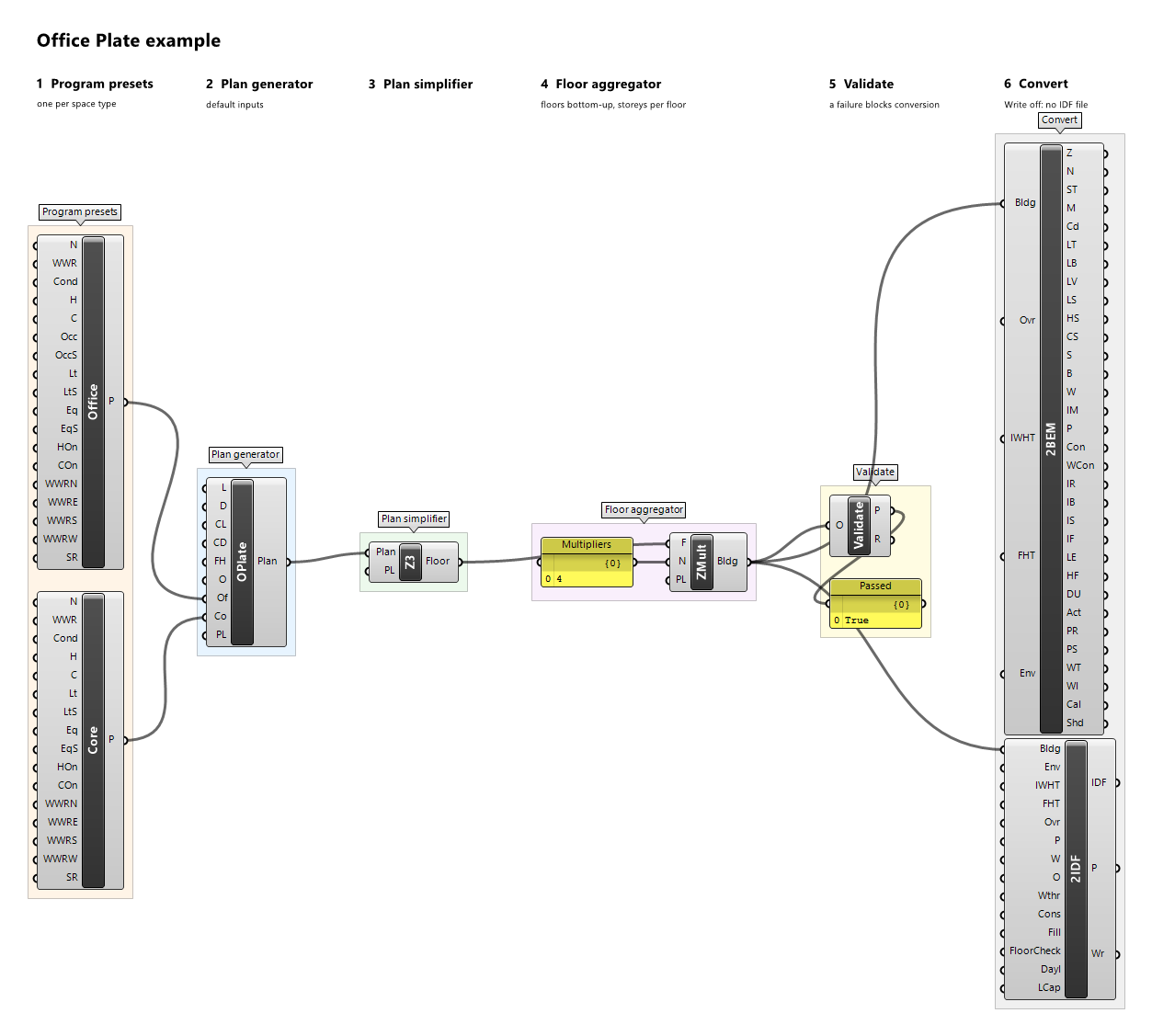
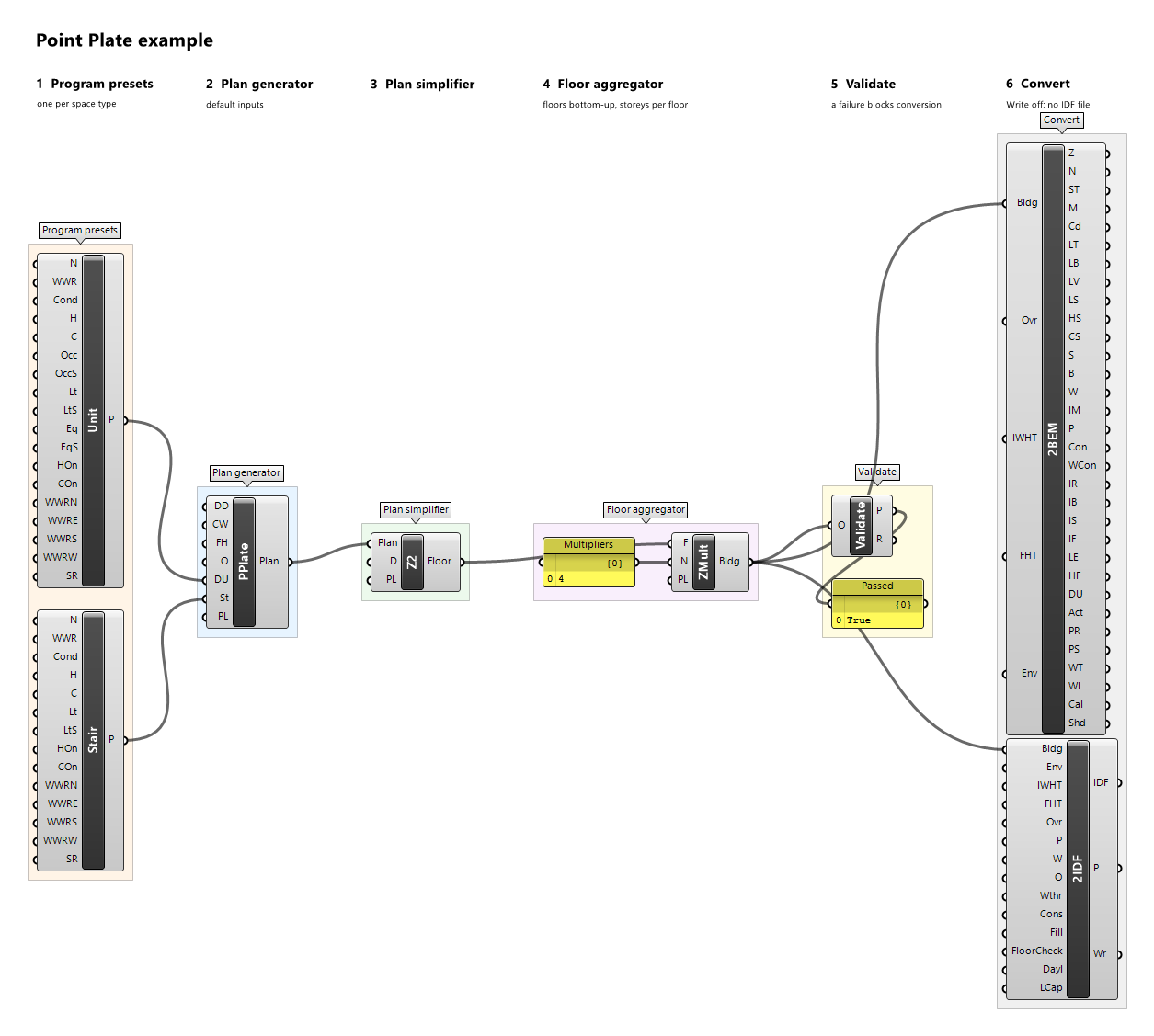
Representative storeys with zone multipliers (formerly Floor Area Multiplier). Each floor type stands for N storeys; floors and ceilings are designated on the whole stack, storeys with exposed floors or ceilings (ground, roof, setbacks, overhangs) are split off as x1 storeys so exposure is never multiplied, and storeys keep their true elevations. Pieces between storeys are adiabatic.
Inputs
| Name | Nickname | Type | Access | Optional | Default | Description |
|---|---|---|---|---|---|---|
| Floors | F |
Floor | list | no | – | Floors, bottom to top. |
| Multipliers | N |
Integer | list | yes | – | How many storeys each floor type stands for. Default 1. |
| Preview Location | PL |
Vector | item | yes | {0,0,0} |
Moves this component's viewport preview by this vector, in model units; the data and all outputs keep their true coordinates. |
Outputs
| Name | Nickname | Type | Access | Description |
|---|---|---|---|---|
| Building | Bldg |
Building | item | The building. |
Example definitions: care-hub.gh (canvas), court-cluster.gh (canvas), office-plate.gh (canvas), point-plate.gh (canvas), program-json-office.gh (canvas), stair-bay-bar.gh (canvas).