Convert
Panel 5 Convert of the BEMGen tab: 2 components. Back to the component reference.
| Name | Nickname | Kind | |
|---|---|---|---|
 |
Convert2BEM | 2BEM |
component |
 |
Convert2IDF | 2IDF |
component |
Convert2BEM
Component · nickname 2BEM · GUID d091d70c-4de3-4f29-a900-ea4c9b777ba3 · exposure primary
Building to zone geometry, programs, surfaces, and infiltration as data trees (branch {i} = zone i), ready to wire into a ClimateStudio definition. Outputs: zones, names, space types, multipliers, conditioning, loads, setpoints, surfaces, boundaries, windows, internal mass, provenance, constructions, window constructions, then the envelope's infiltration once (rate, basis, schedule) and each zone's infiltration flow, then the loads' end uses and heat fractions, the zones' dwellings, the occupants' activity and radiant and sensible fractions, the hot-water temperatures, and the building's calendar, then the shading surfaces of unmodelled storeys. Provisional layout.
Inputs
| Name | Nickname | Type | Access | Optional | Default | Description |
|---|---|---|---|---|---|---|
| Building | Bldg |
Building | item | no | – | The building. |
| Override | Ovr |
Boolean | item | no | False |
Convert even if validation fails; the override is recorded. |
| EnableInternalWallHeatTransfer | IWHT |
Boolean | item | no | False |
Write walls between two zones paired with the adjacent zone (Interzone:<zone ID>); when false a wall between two conditioned zones is written as Adiabatic, and a wall of a zone without HVAC stays paired, so such a zone is never sealed off. |
| EnableFloorHeatTransfer | FHT |
Boolean | item | no | False |
Write floors and ceilings between two zones paired with the adjacent zone (Interzone:<zone ID>); when false one between two conditioned zones is written as Adiabatic, and one of a zone without HVAC stays paired, so such a zone is never sealed off. |
| Envelope | Env |
Envelope Preset | item | yes | – | Envelope preset whose constructions the surfaces and windows get; the illustrative Example Envelope when unconnected. |
Outputs
| Name | Nickname | Type | Access | Description |
|---|---|---|---|---|
| Zones | Z |
Brep | tree | {i}: closed Brep of each part of zone i, model units. |
| Names | N |
Text | tree | {i}: zone ID. |
| Space Types | ST |
Text | tree | {i}: space type. |
| Multipliers | M |
Integer | tree | {i}: zone multiplier. |
| Conditioned | Cd |
Boolean | tree | {i}: whether zone i is conditioned. |
| Load Types | LT |
Text | tree | {i}: load types, aligned with Load Values. |
| Load Bases | LB |
Text | tree | {i}: load bases. |
| Load Values | LV |
Number | tree | {i}: design values in their basis; a per-dwelling value is per dwelling, the zone's magnitude being the value times Dwelling Units. |
| Load Schedules | LS |
Number | tree | {i;k}: 8760 fractions of load k of zone i. |
| Heating Setpoints | HS |
Number | tree | {i}: 8760 heating setpoints, °C; empty for unconditioned zones and for conditioned zones that are not heated. |
| Cooling Setpoints | CS |
Number | tree | {i}: 8760 cooling setpoints, °C; empty for unconditioned zones and for conditioned zones that are not cooled. |
| Surfaces | S |
Brep | tree | {i}: walls, floors, and ceilings of zone i. |
| Boundaries | B |
Text | tree | {i}: boundary written for each surface: Outdoors, Ground, Adiabatic, or Interzone:<zone ID>; interzone surfaces are Adiabatic unless their heat-transfer option is on. |
| Windows | W |
Brep | tree | {i}: windows of zone i, one centred window per glazed outdoor wall, at their positions in the walls, and one skylight per glazed roof, in surface order. |
| Internal Mass | IM |
Number | tree | {i}: exposed internal-mass area of zone i (slab area × exposed faces), m². |
| Provenance | P |
Text | item | Building provenance, validation report, heat-transfer options, envelope preset, and any override. |
| Constructions | Con |
Text | tree | {i}: construction of each Surfaces item from the envelope preset, by its envelope role; a ceiling between storeys gets the reversed interior floor. |
| Window Constructions | WCon |
Text | tree | {i}: construction of each Windows item: the envelope preset's glazing. |
| Infiltration Rate | IR |
Number | item | The envelope preset's infiltration design rate, the same for every zone, in the unit of Infiltration Basis: m³/h per m², or 1/h. |
| Infiltration Basis | IB |
Text | item | What Infiltration Rate is per: PerExteriorSurfaceArea, PerExteriorWallArea, AirChangesPerHour (exterior surface area: outdoor walls, roofs, and exposed floors, windows included). |
| Infiltration Schedule | IS |
Number | list | 8760 fractions multiplying the infiltration of every zone. |
| Infiltration Flows | IF |
Number | tree | {i}: design infiltration flow of one instance of zone i, m³/h: Infiltration Rate times the zone's exterior surface area, outdoor wall area, or volume, by the basis. Times Infiltration Schedule it is the hourly flow; times Multipliers, that of every instance. |
| Load End Uses | LE |
Text | tree | {i}: end use of each load, aligned with Load Values; loads of one type with different end uses are separate loads. |
| Heat Fractions | HF |
Number | tree | {i;k}: radiant, latent, lost, visible, and return-air fraction of load k of zone i, k counted as in Load Schedules; the rest is convective. Empty for loads other than lighting and equipment. |
| Dwelling Units | DU |
Number | tree | {i}: number of dwellings of one instance of zone i, the quantity per-dwelling loads are multiplied by; fractional for a zone holding part of a dwelling. |
| Activity | Act |
Number | tree | {i}: 8760 activity levels of the occupants of zone i, W per person. |
| People Radiant | PR |
Number | tree | {i}: radiant fraction of the occupants' sensible heat in zone i. |
| People Sensible | PS |
Text | tree | {i}: sensible heat fraction of the occupants of zone i, a number or autocalculate. |
| Water Target | WT |
Number | tree | {i;k}: 8760 target (mixed-water) temperatures, °C, of hot-water load k of zone i, k counted as in Load Schedules. Empty for loads other than hot water. |
| Water Inlet | WI |
Number | tree | {i;k}: 8760 inlet (cold-water supply) temperatures, °C, of hot-water load k of zone i, k counted as in Load Schedules. Empty for loads other than hot water, and for a load whose inlet is the water mains temperature EnergyPlus correlates from the weather file. |
| Calendar | Cal |
Text | item | The calendar the building's schedules were expanded on (year and holidays), which Convert2IDF writes as its run period; none for BEMGen's own presets, which assume a year whose 1 January is a Monday. |
| Shading | Shd |
Brep | list | Opaque shading surfaces of the storeys the building represents but does not model (Stacked Floor Zone Multiplier): the outdoor walls of each such storey at its true elevation, windows included, facing the way the walls face; empty when every storey is modelled. Not part of any zone. |
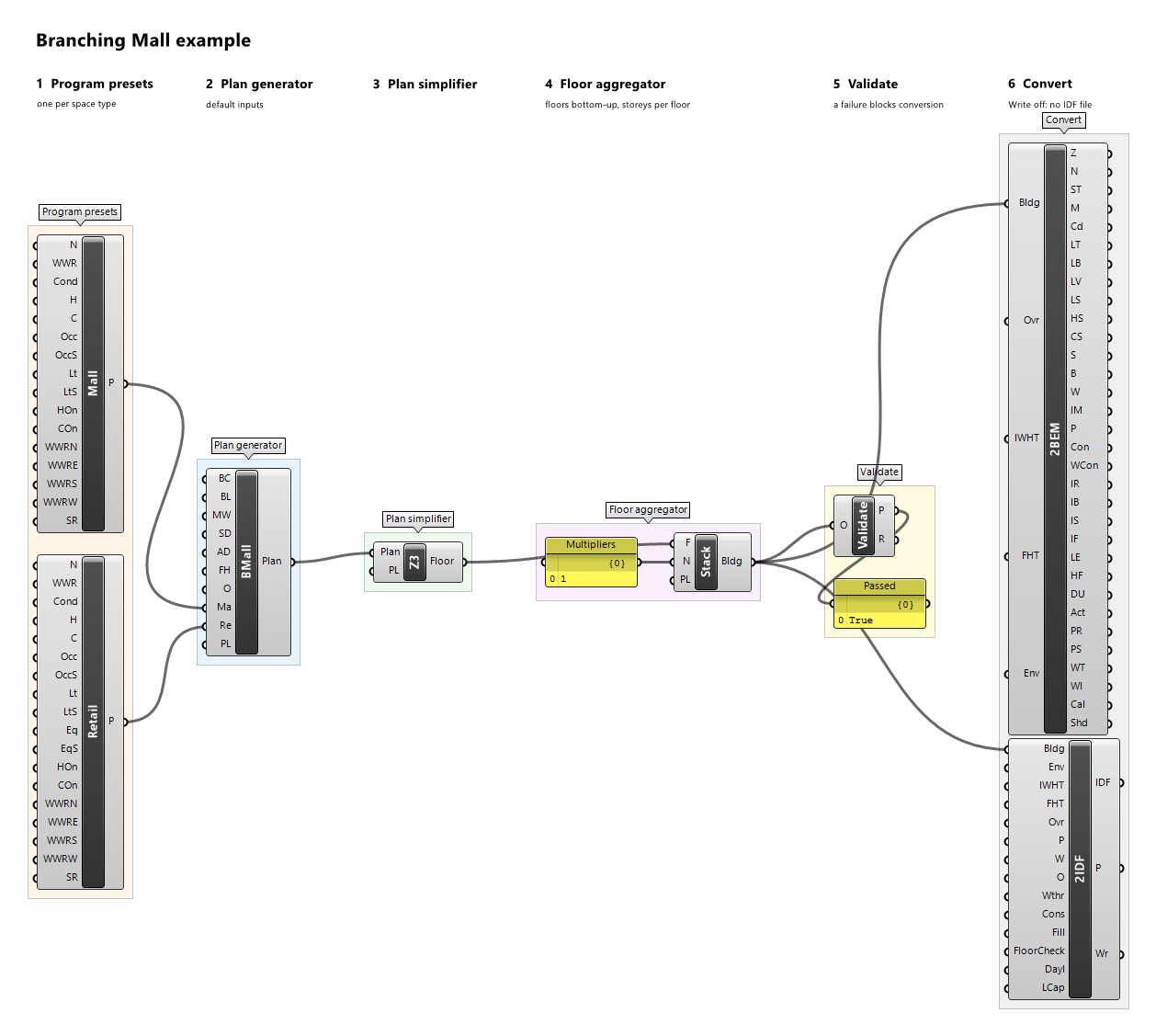
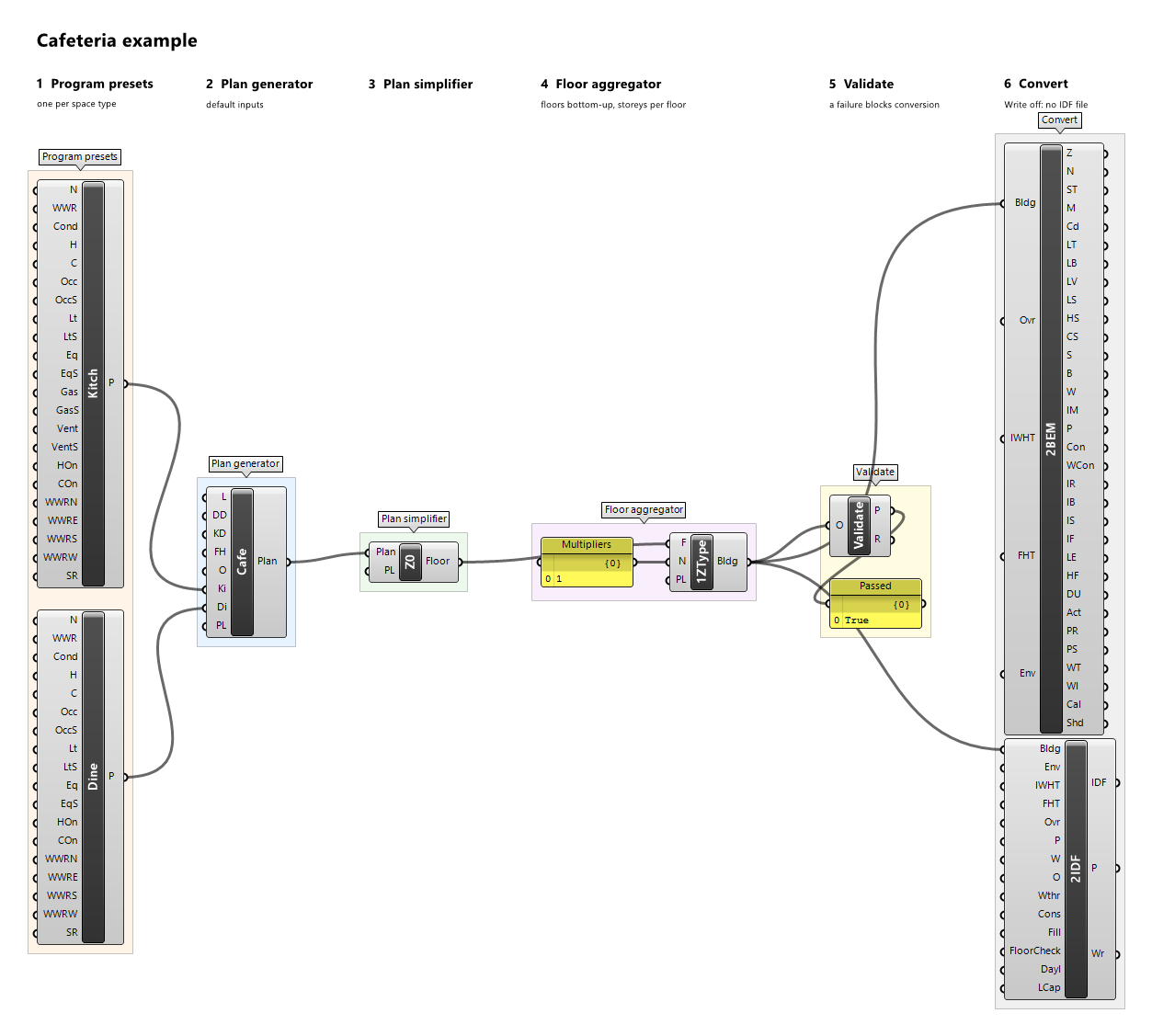
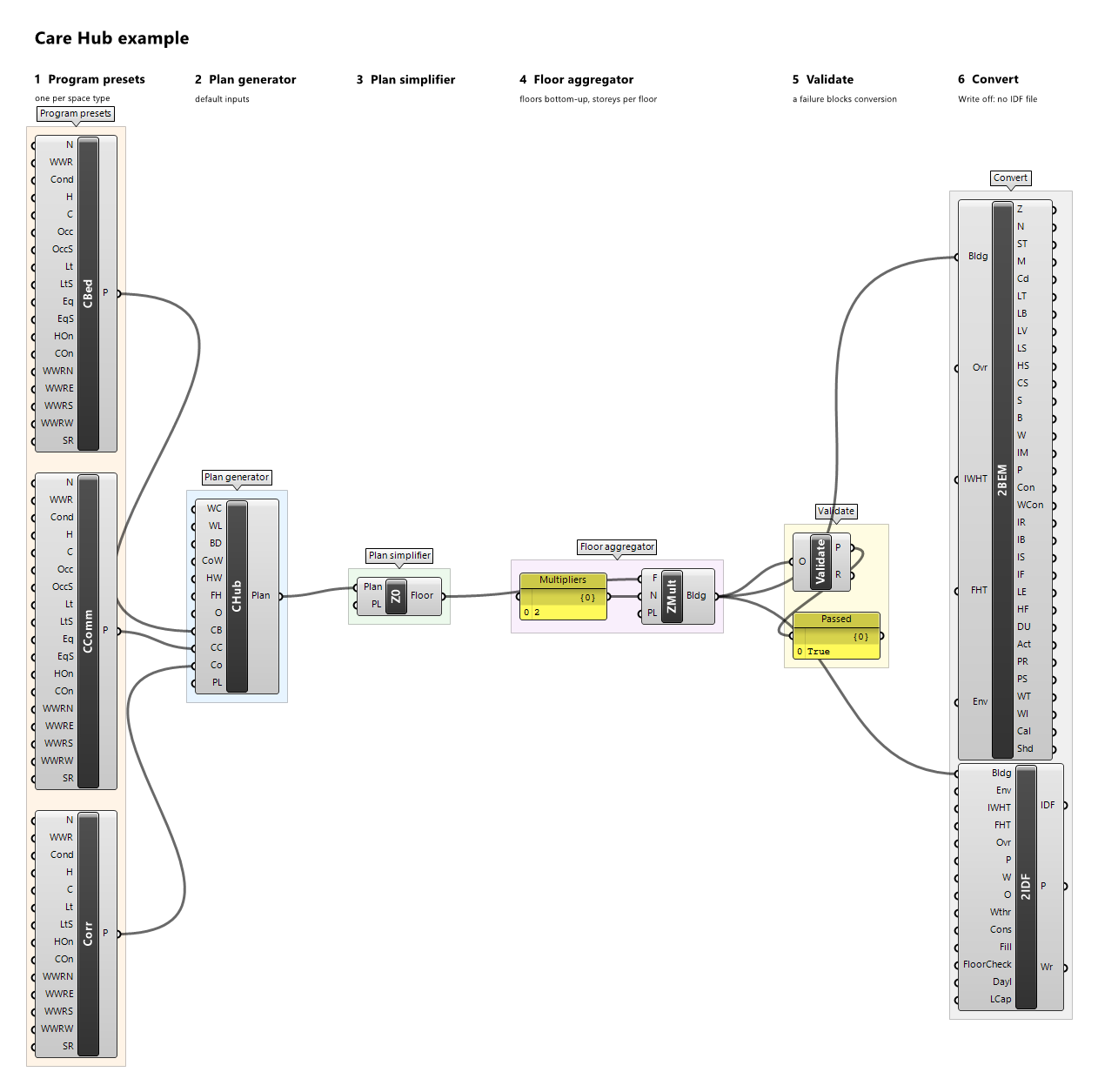
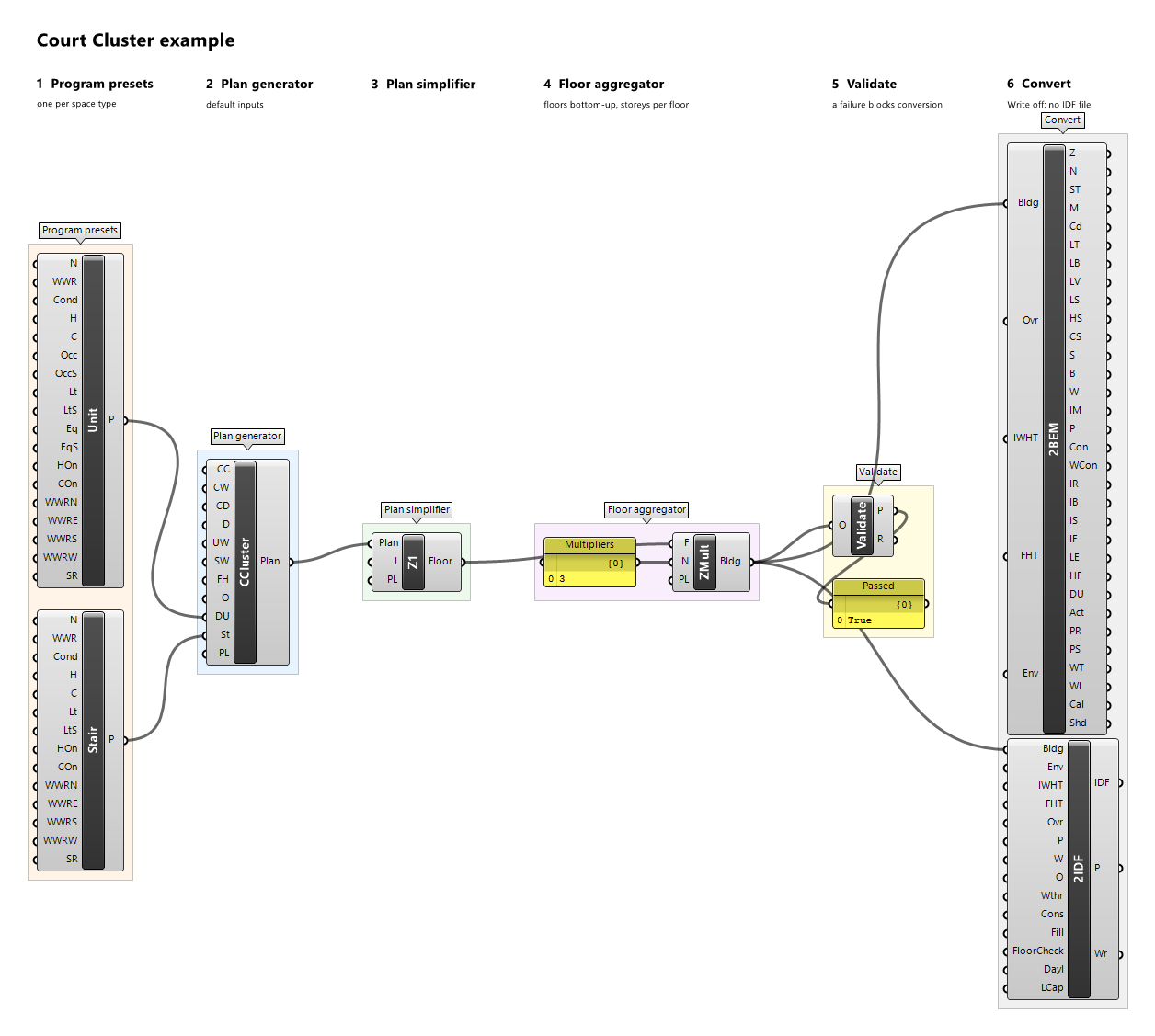
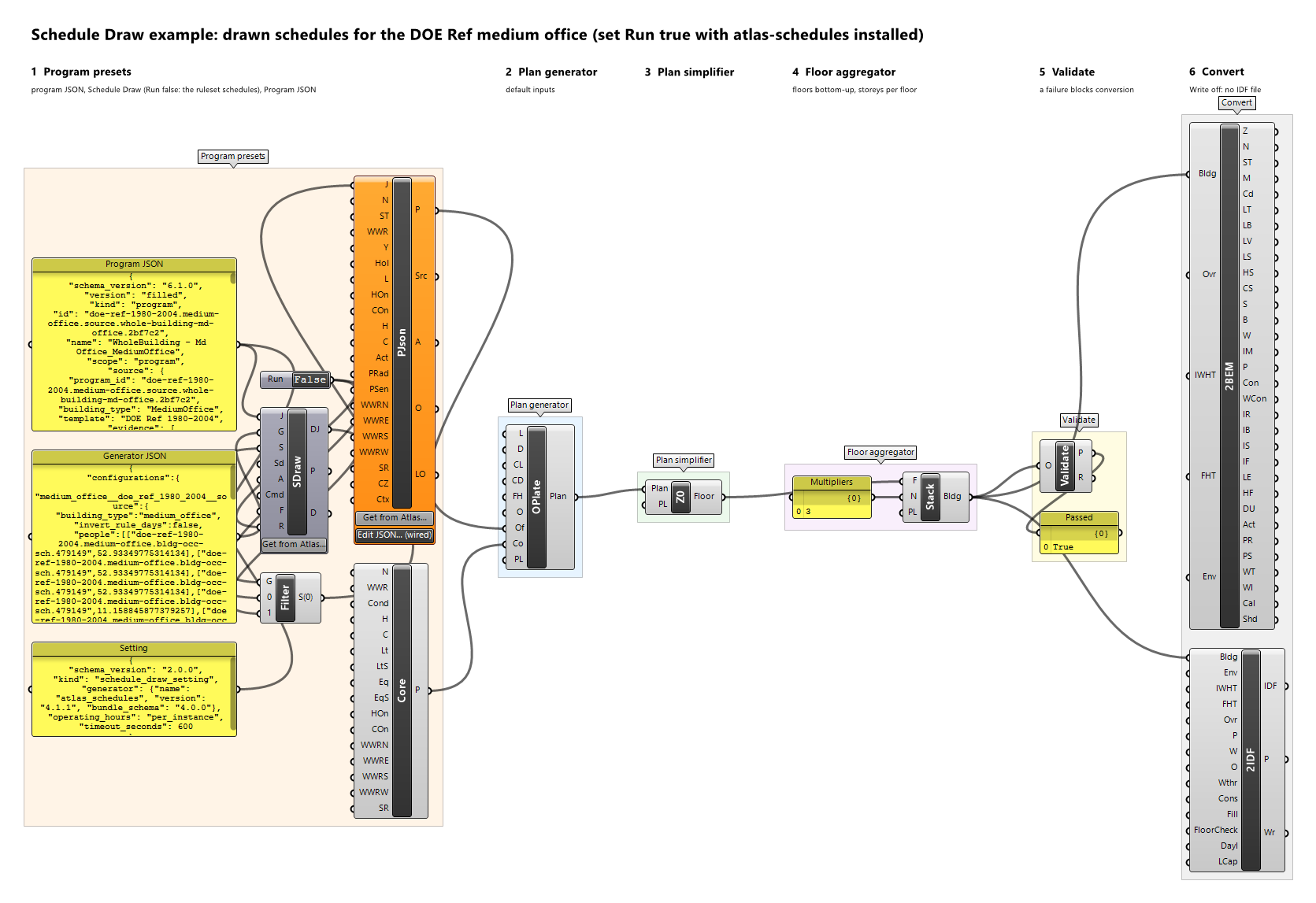
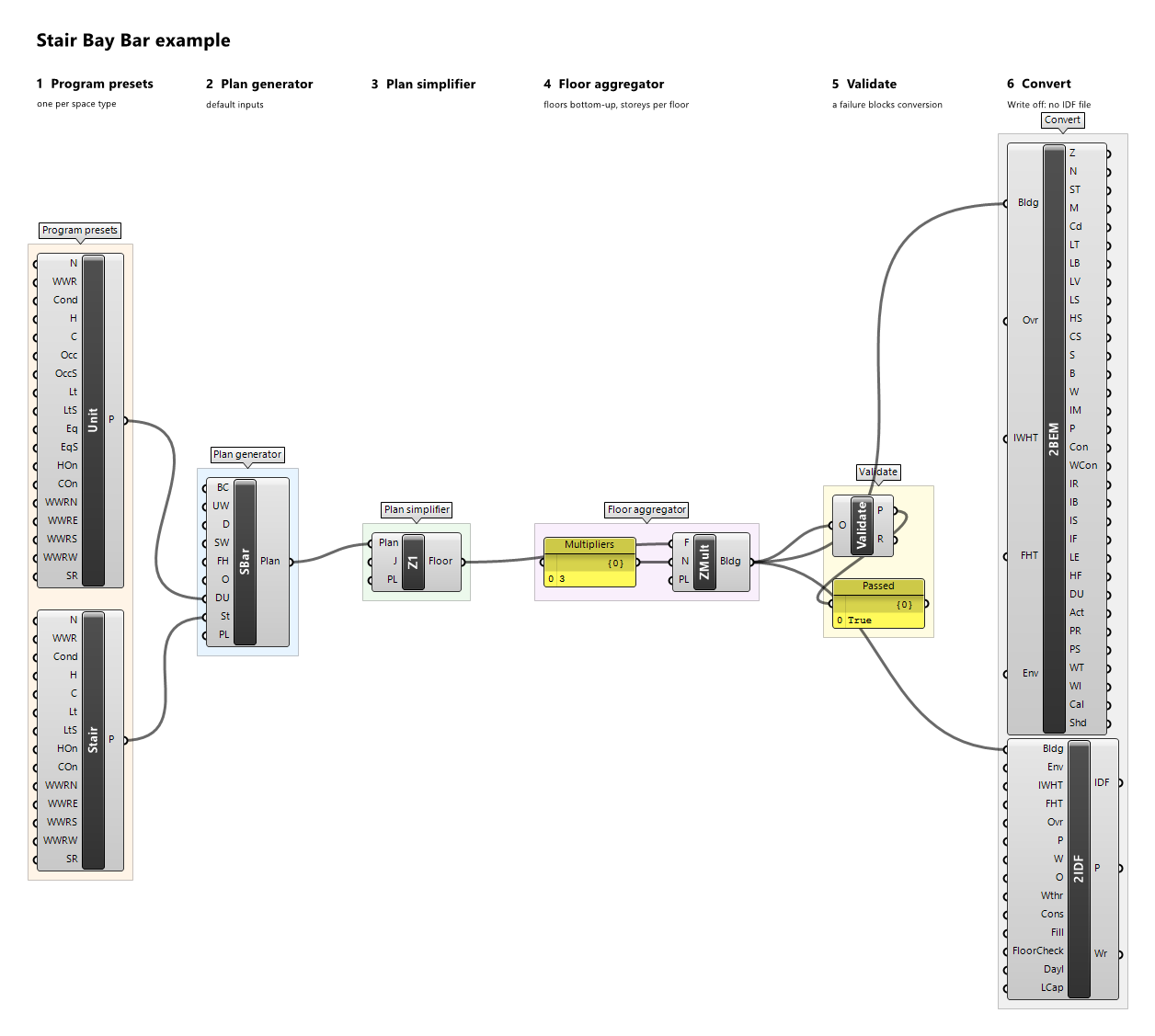
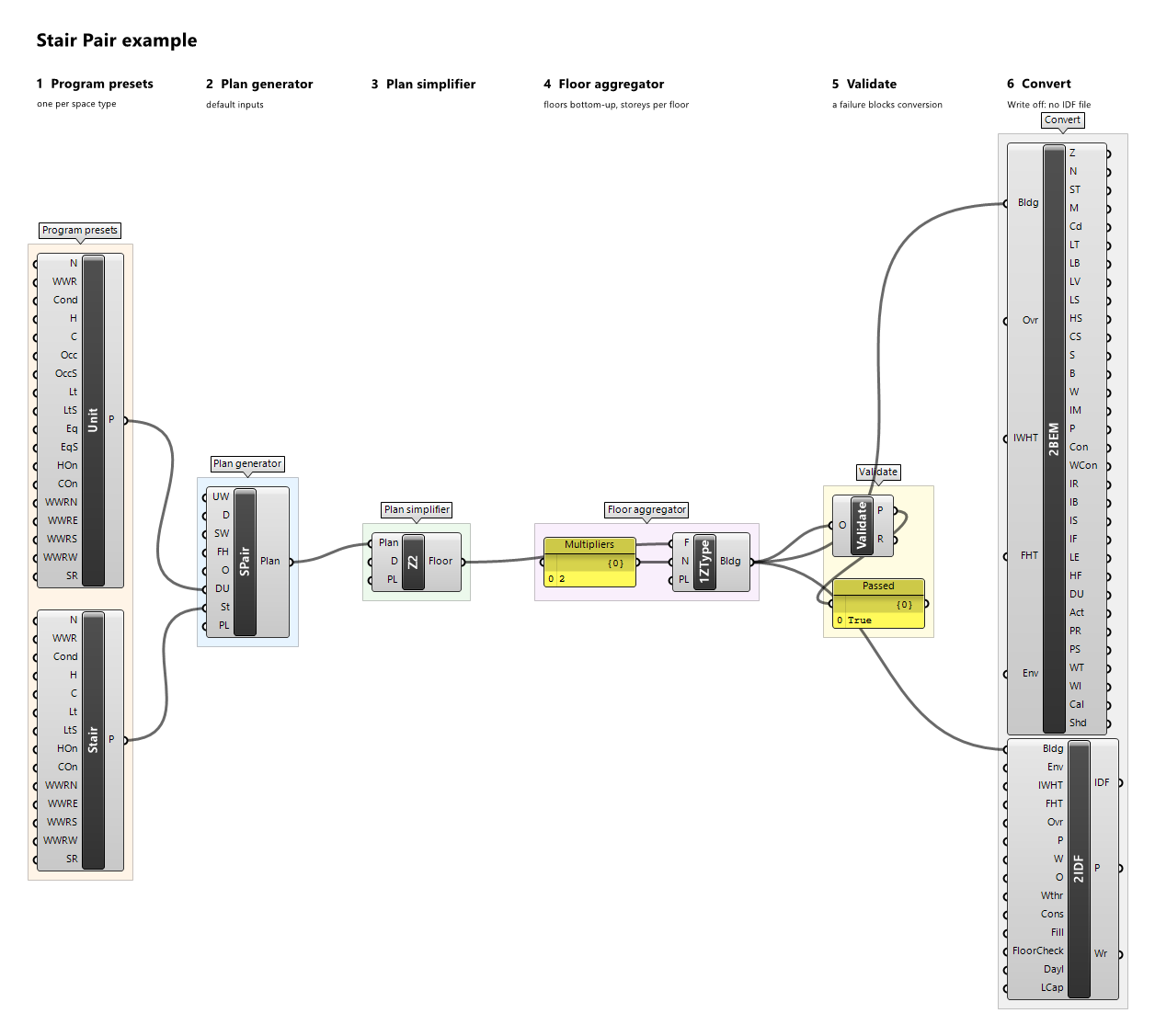
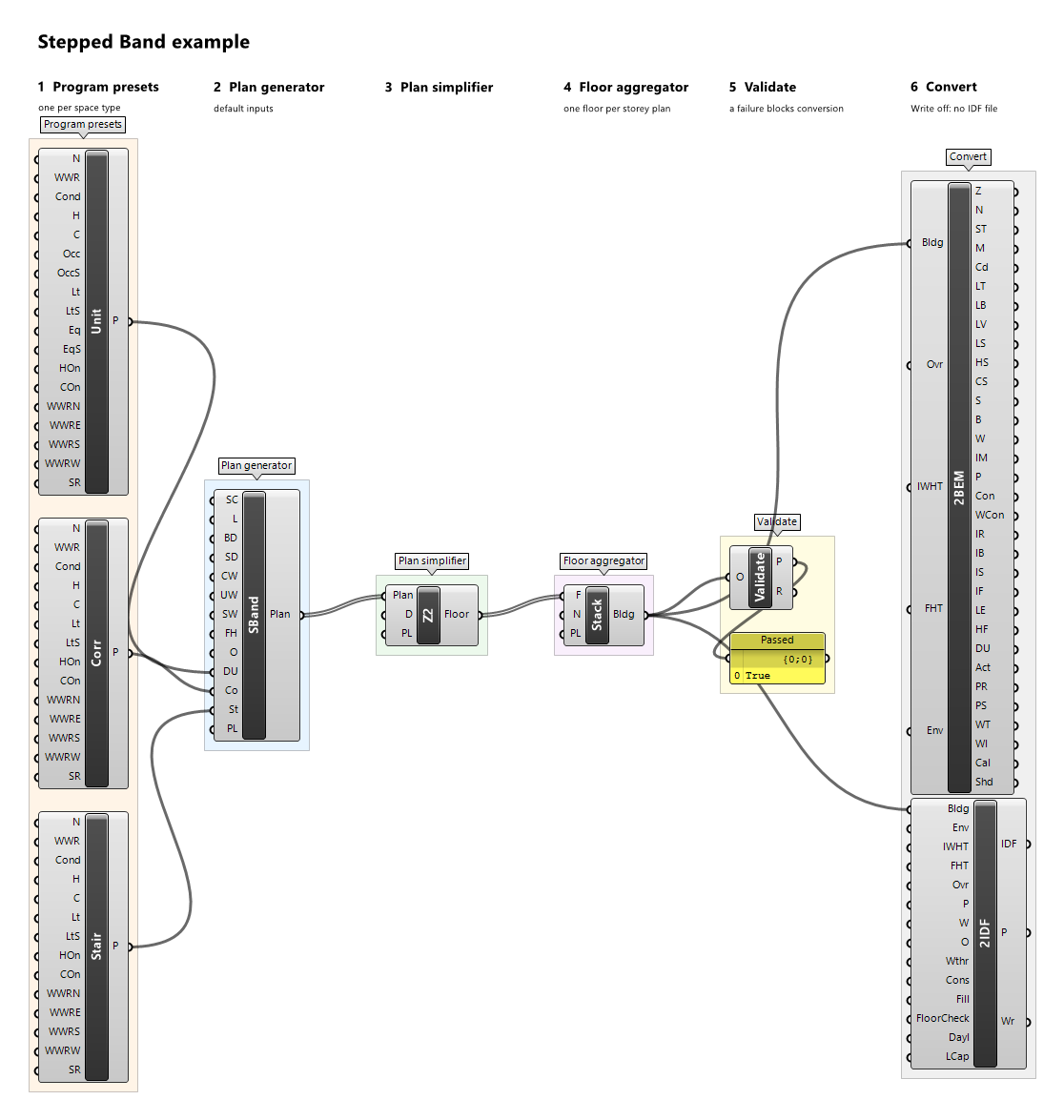
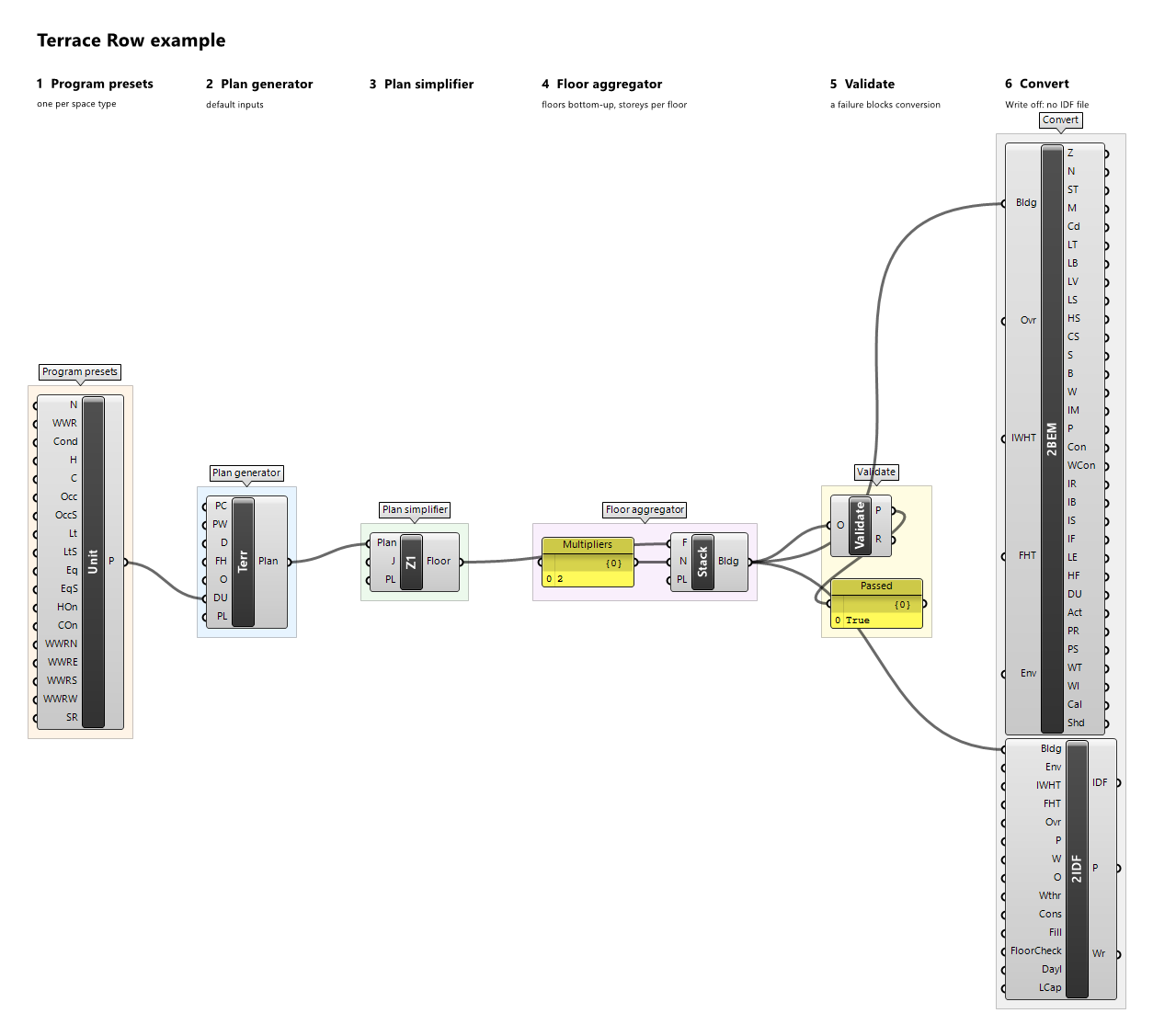
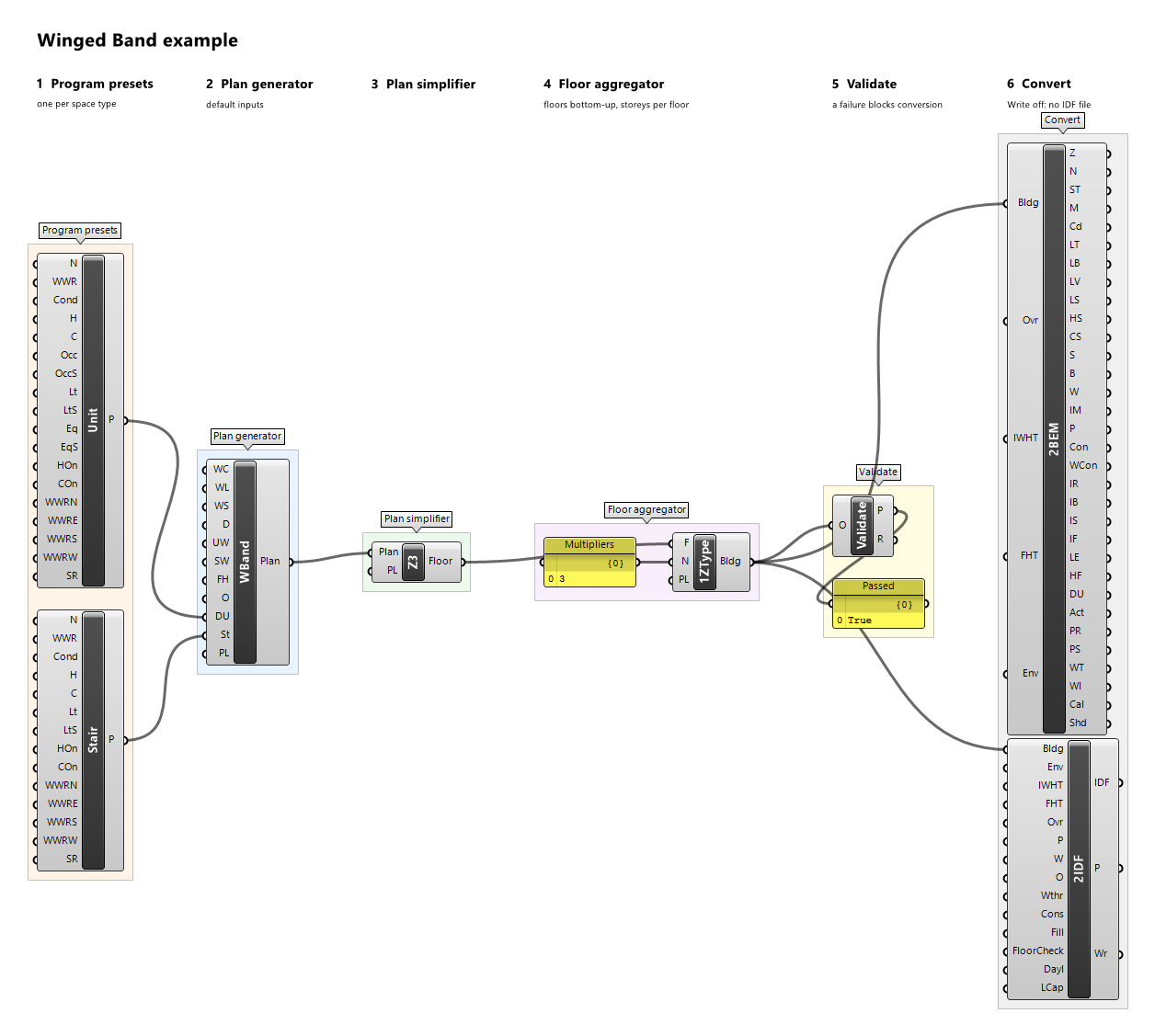
Example definitions: branching-mall.gh (canvas), cafeteria.gh (canvas), care-hub.gh (canvas), court-cluster.gh (canvas), doe-atlas-map.gh (canvas), enclosed-court.gh (canvas), end-to-end.gh (canvas), foyer-halls.gh (canvas), gallery-bar.gh (canvas), linear-plan.gh (canvas), office-plate.gh (canvas), open-court.gh (canvas), operating-suite.gh (canvas), point-plate.gh (canvas), program-json-office.gh (canvas), radial-lobes.gh (canvas), schedule-draw.gh (canvas), stair-bay-bar.gh (canvas), stair-pair.gh (canvas), stepped-band.gh (canvas), terrace-row.gh (canvas), winged-band.gh (canvas).
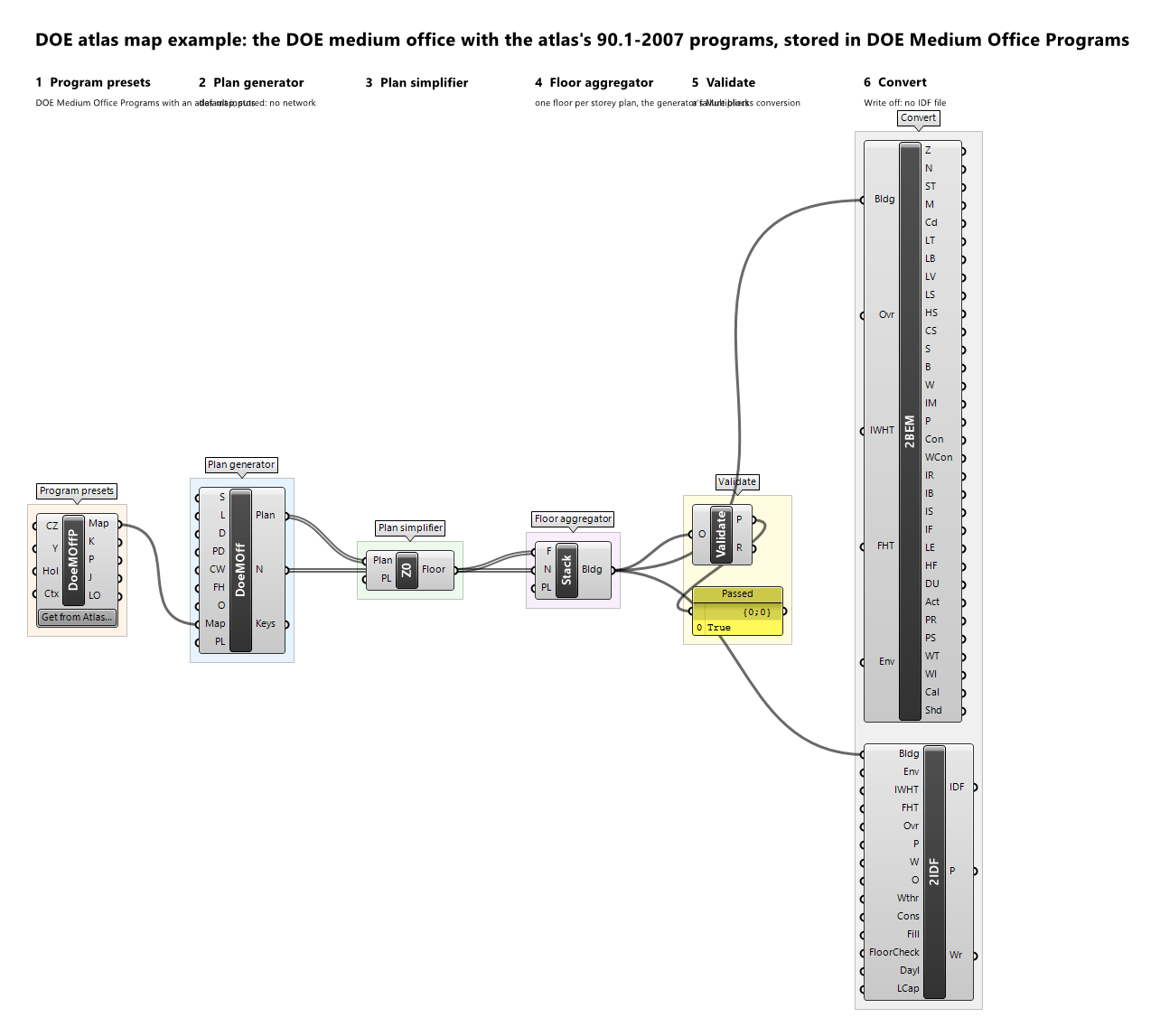
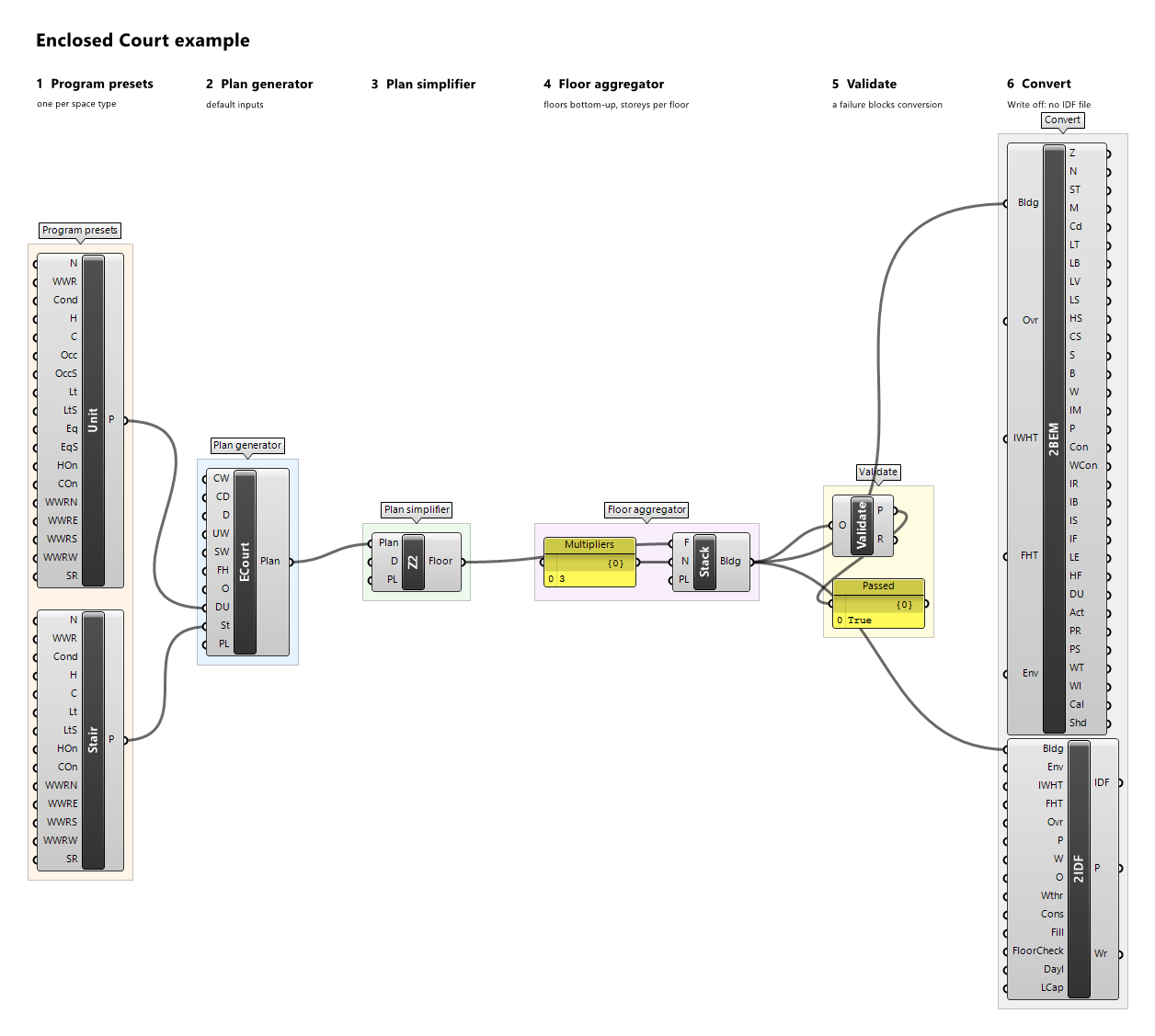
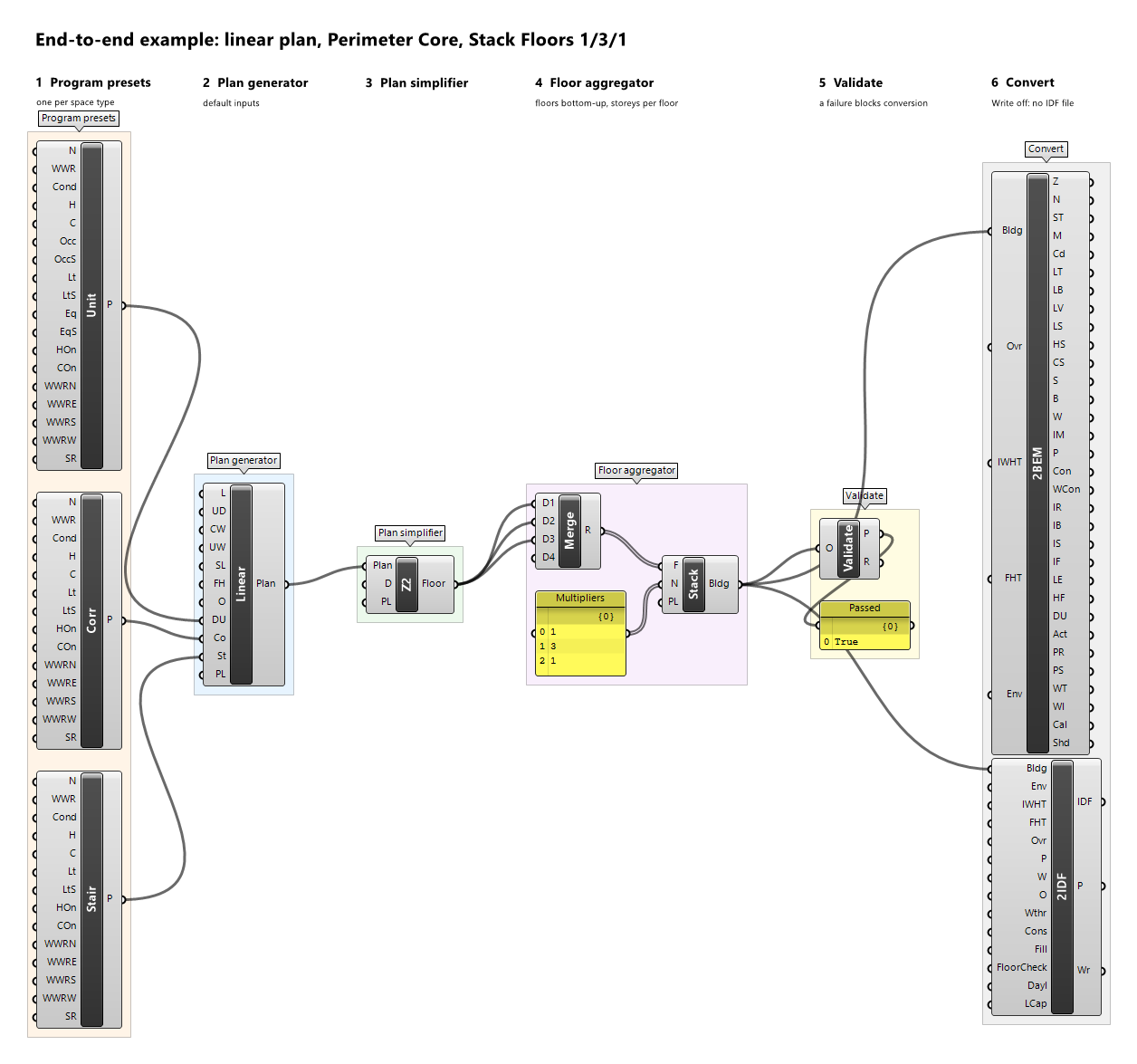
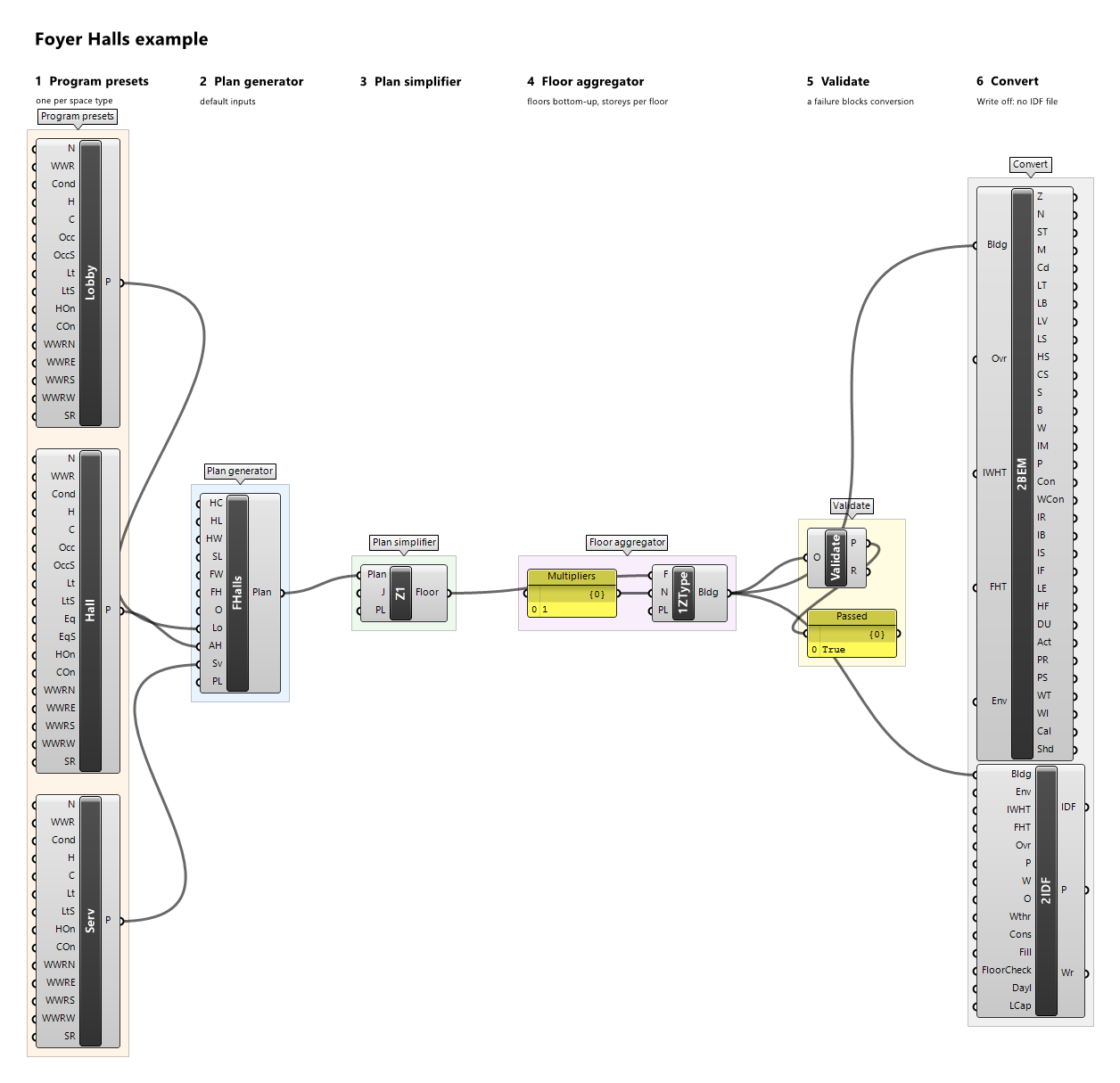
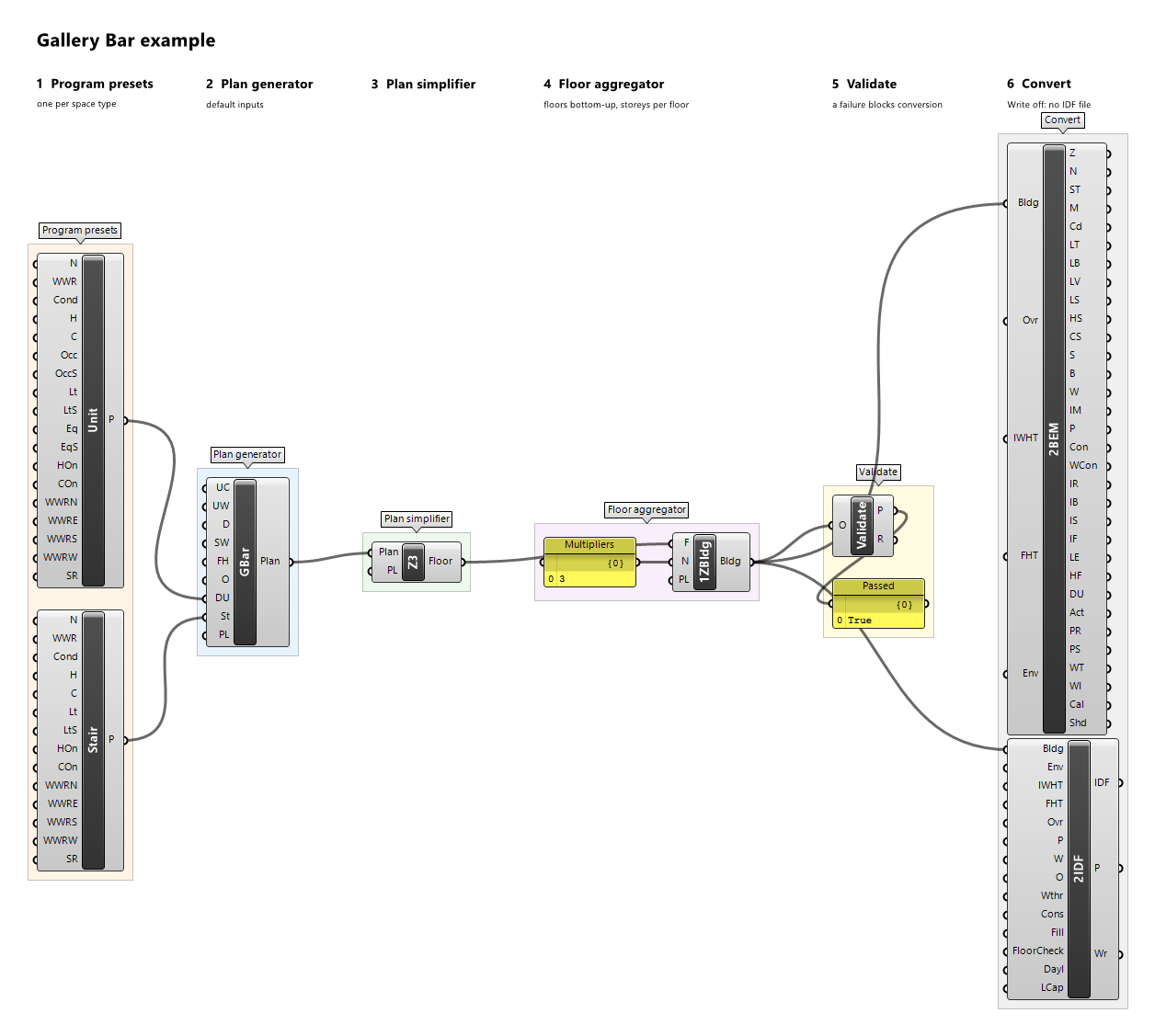
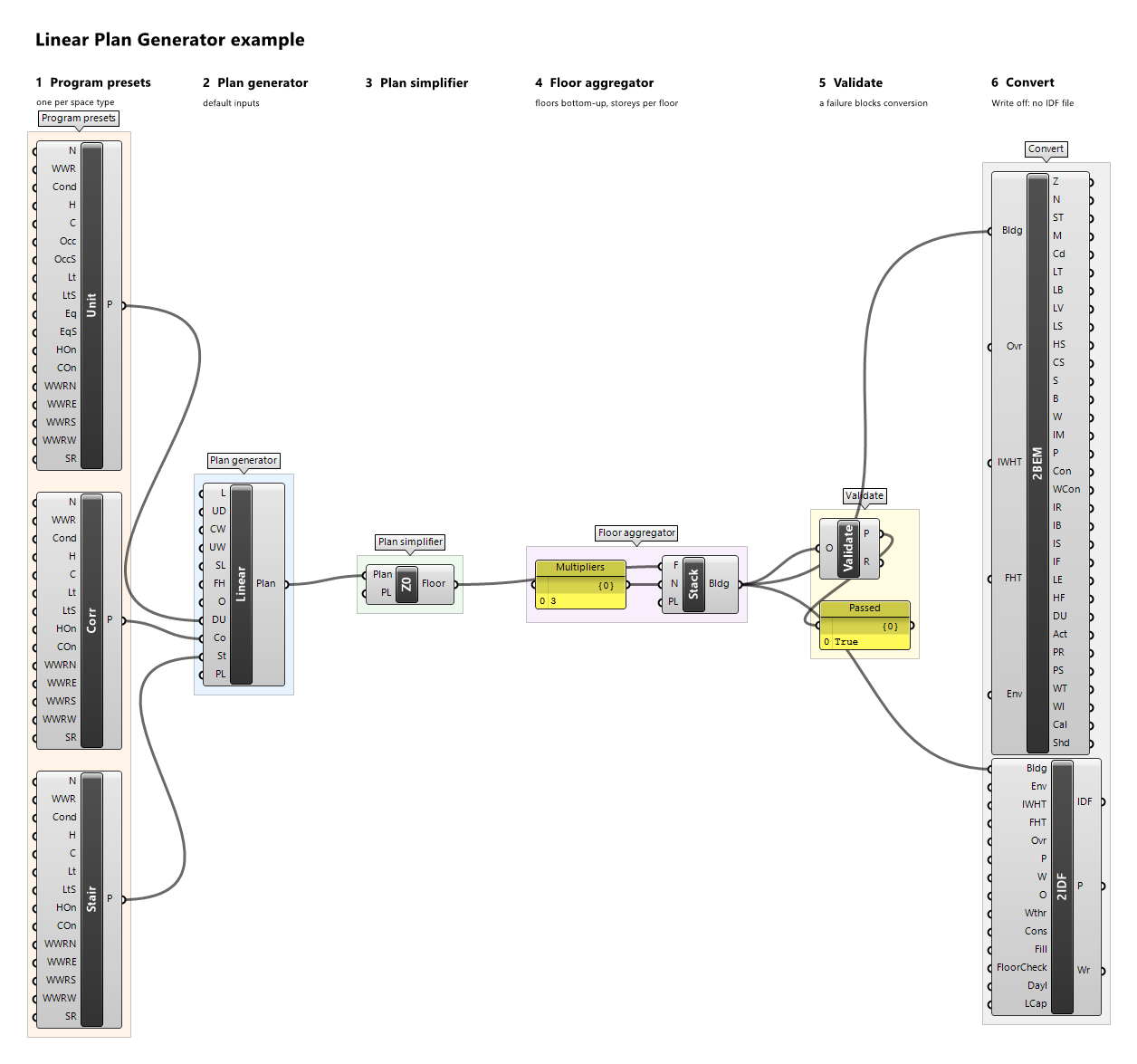
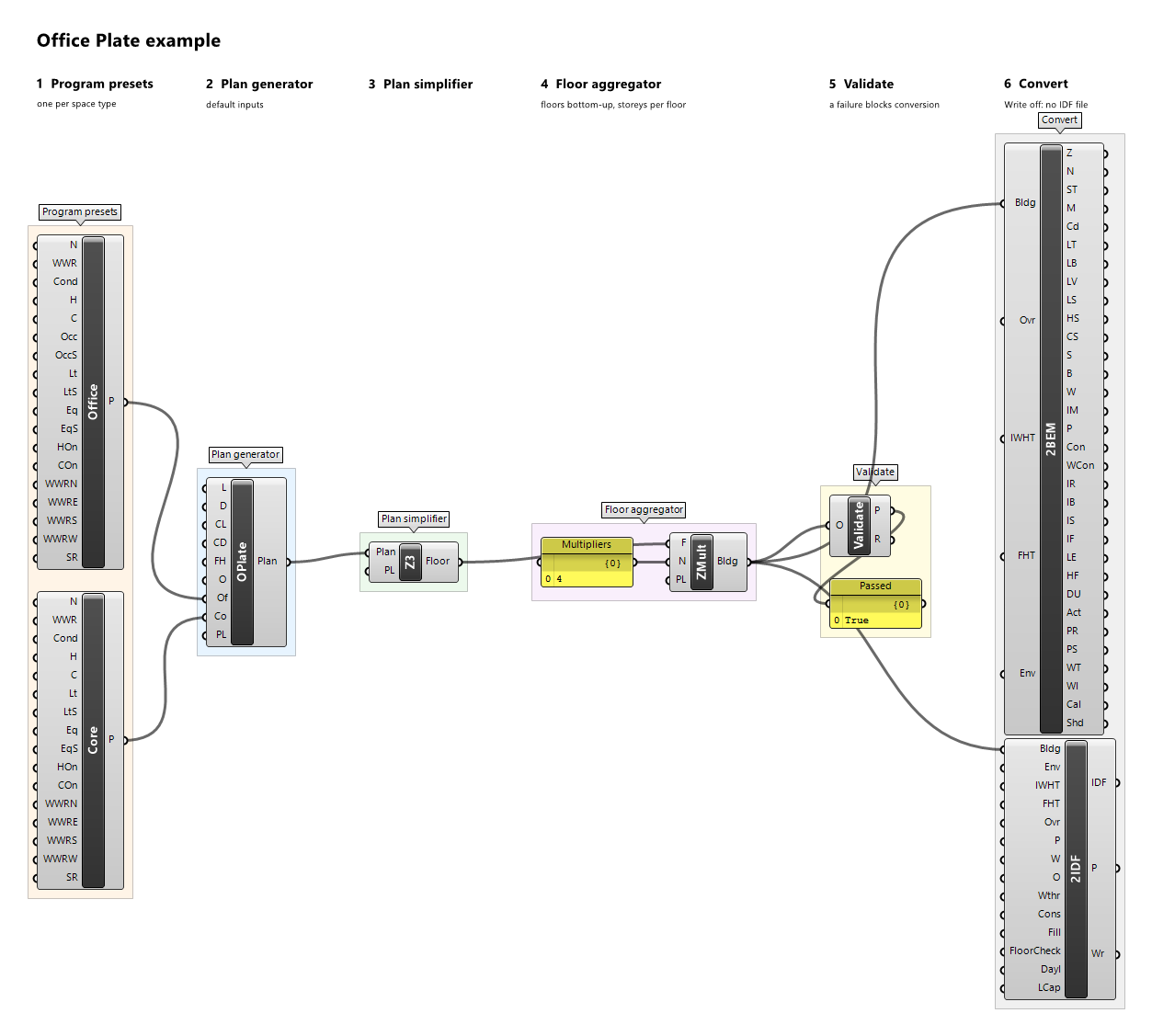
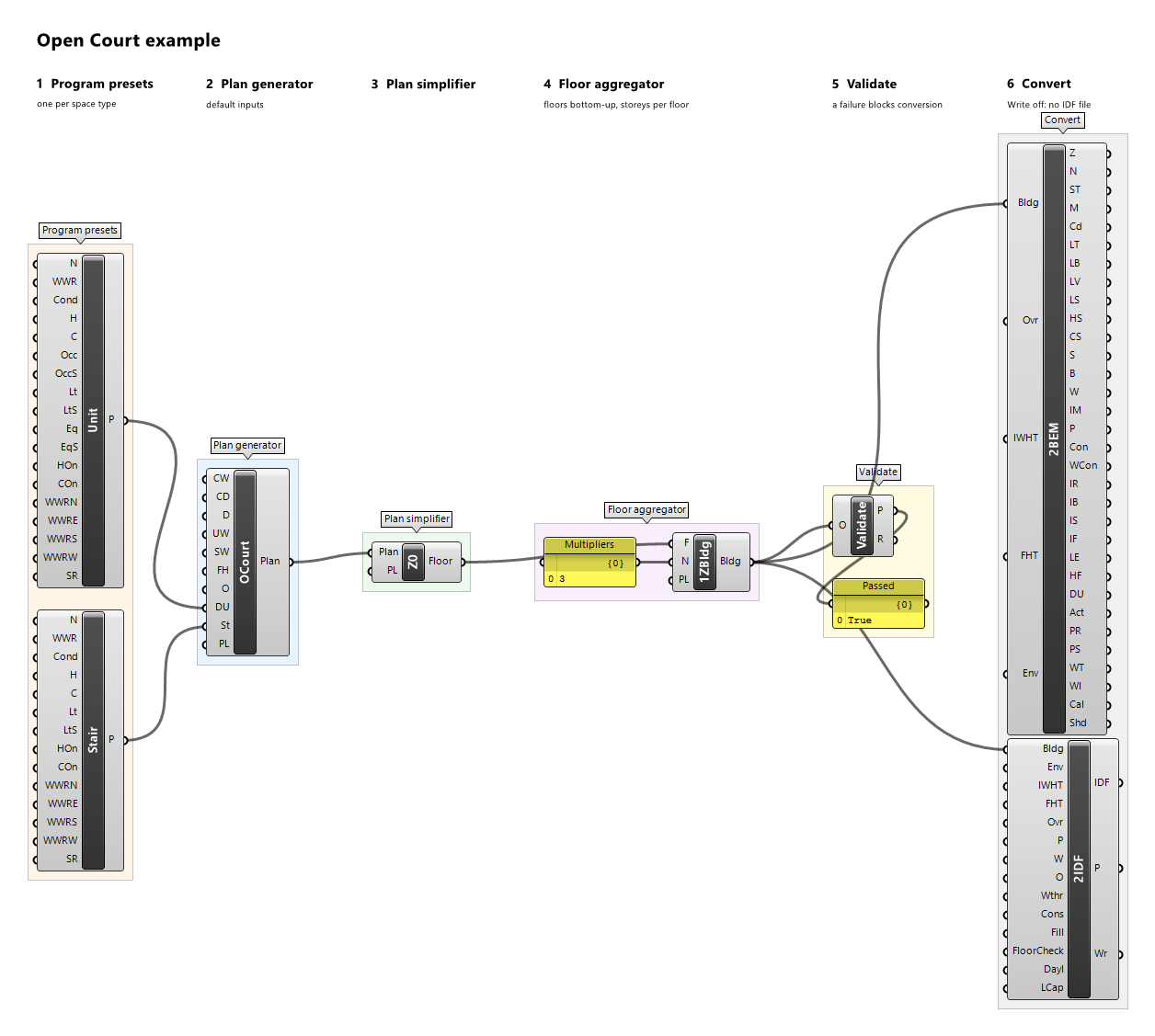
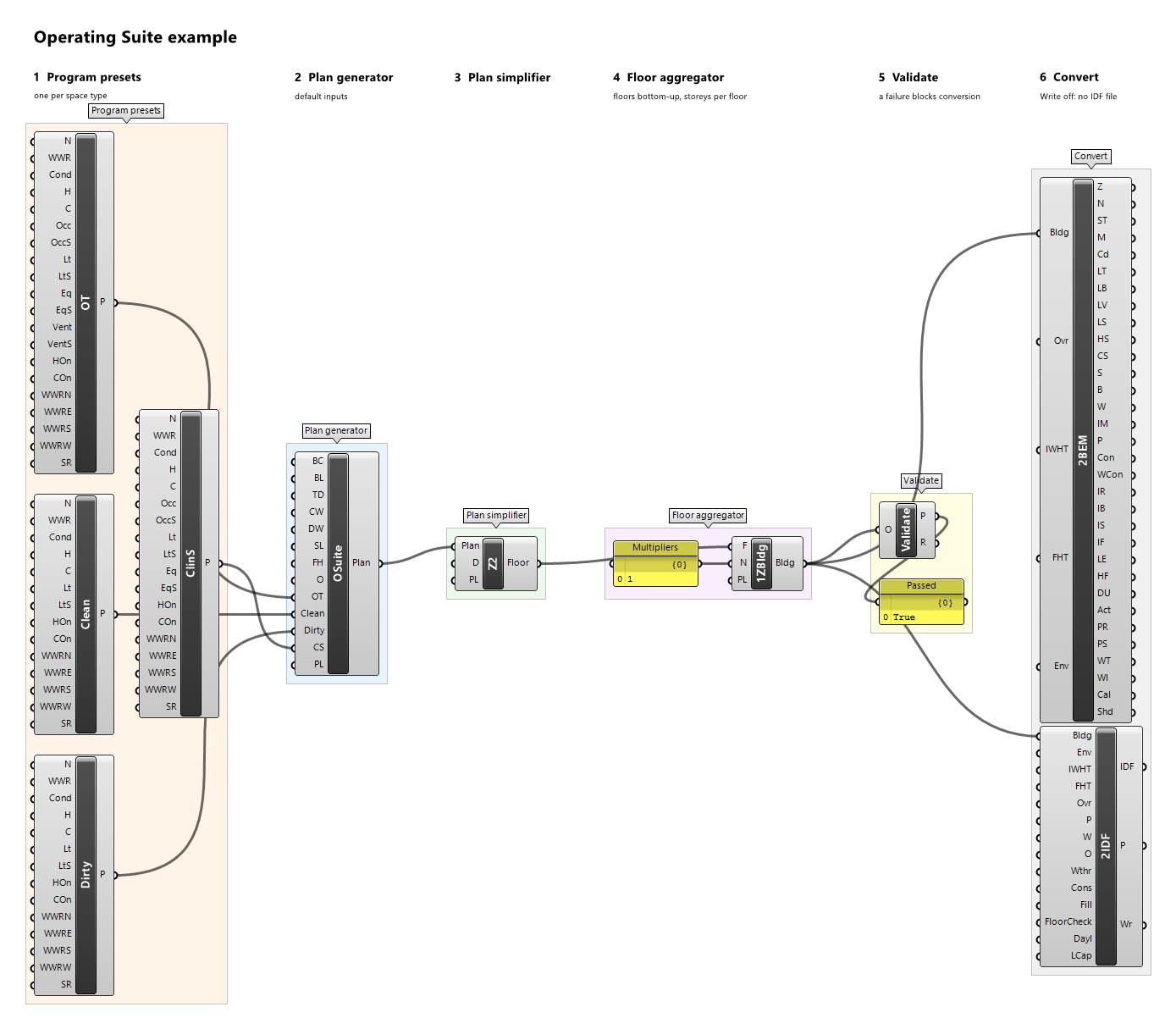
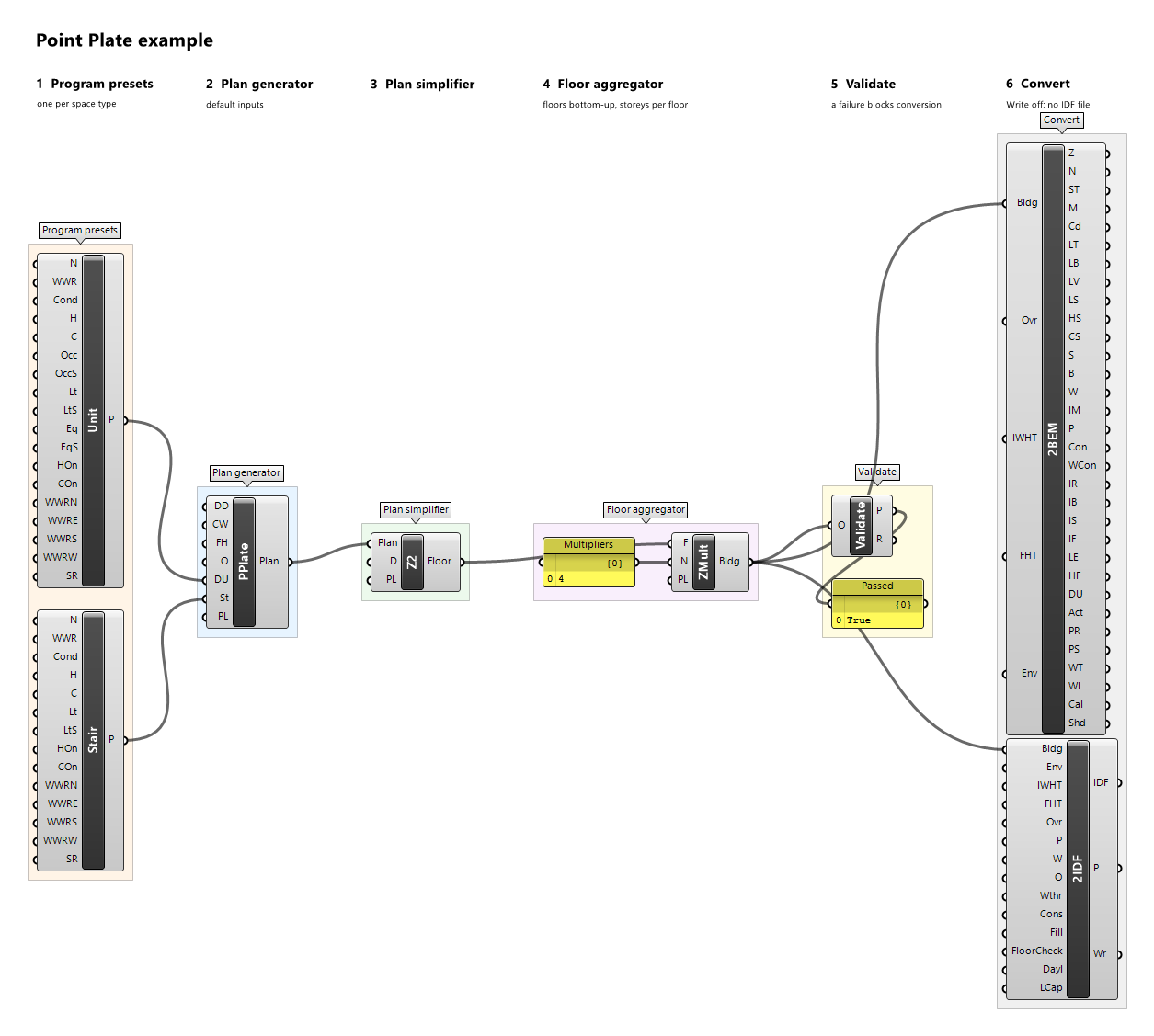
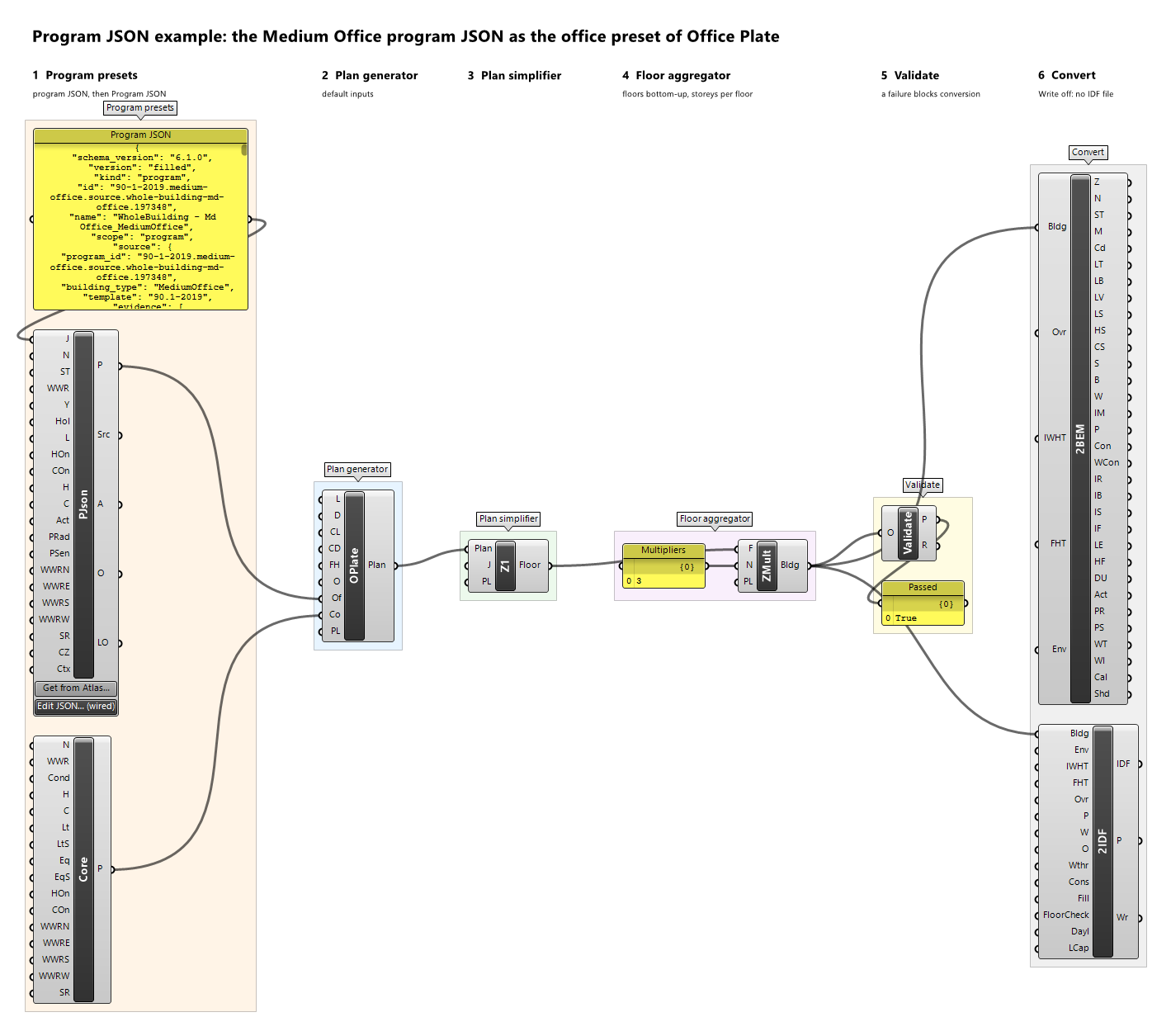
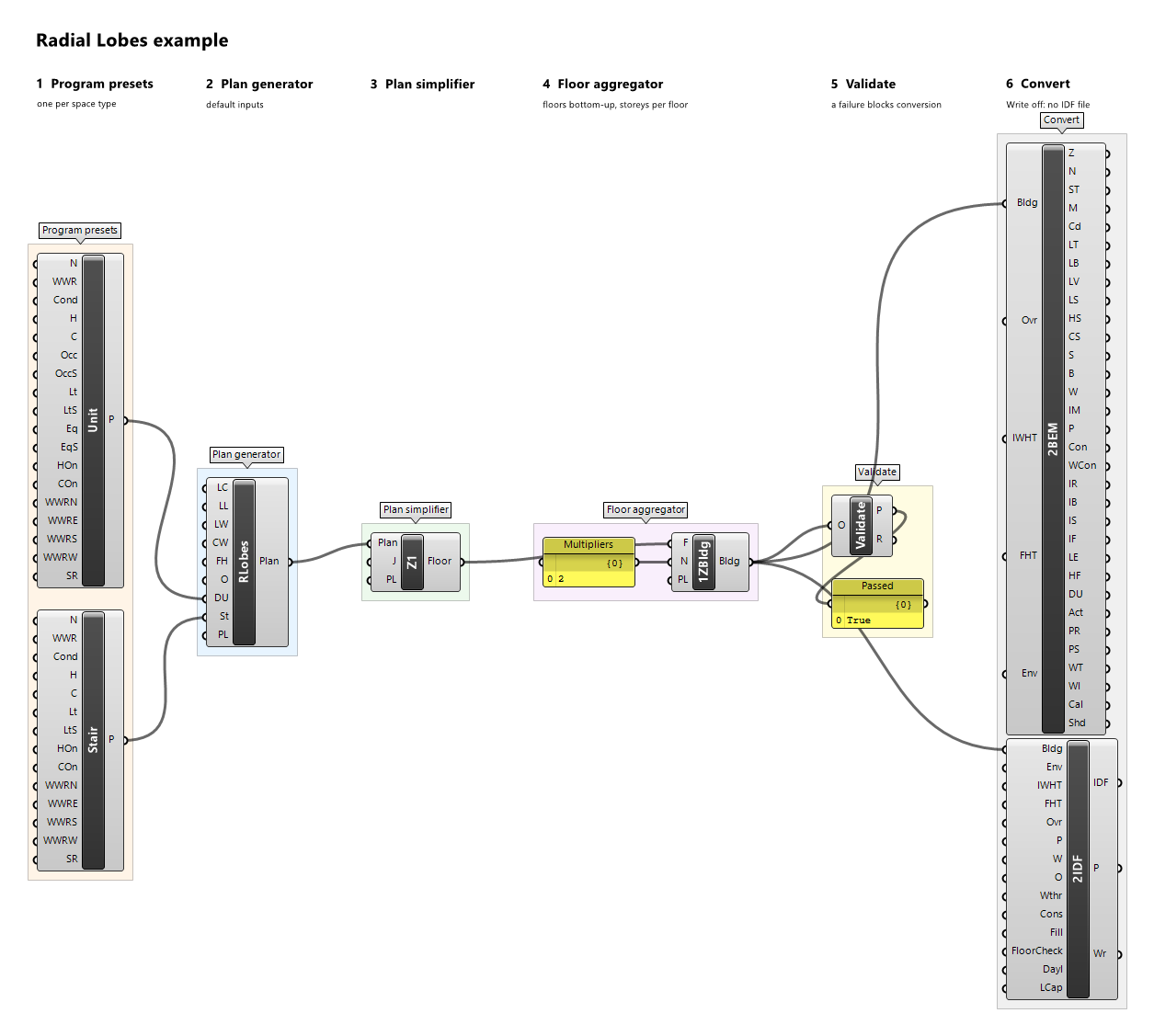
Convert2IDF
Component · nickname 2IDF · GUID 56dd6611-90b2-4299-b53c-650652843a1a · exposure primary
Building to an EnergyPlus 26.2 input file (IDF), ready to simulate: constructions from the envelope preset or the construction set, ideal-loads HVAC for conditioned zones, exact hourly schedules, loads, internal mass, zone multipliers, the research outputs, and the site of the weather file when one is given. EnergyPlus is not run here.
Inputs
| Name | Nickname | Type | Access | Optional | Default | Description |
|---|---|---|---|---|---|---|
| Building | Bldg |
Building | item | no | – | The building. |
| Envelope | Env |
Envelope Preset | item | yes | – | Envelope preset whose constructions the surfaces, windows, and internal masses get; the illustrative Example Envelope when neither this nor Construction is connected. Connect this or Construction, not both. |
| EnableInternalWallHeatTransfer | IWHT |
Boolean | item | no | False |
Write walls between two zones paired with their partner in the adjacent zone; when false a wall between two conditioned zones is written Adiabatic, and a wall of a zone without HVAC stays paired, so such a zone is never sealed off. |
| EnableFloorHeatTransfer | FHT |
Boolean | item | no | False |
Write floors and ceilings between two zones paired with their partner in the adjacent zone; when false one between two conditioned zones is written Adiabatic, and one of a zone without HVAC stays paired, so such a zone is never sealed off. |
| Override | Ovr |
Boolean | item | no | False |
Convert even if legacy production validation fails; the override is recorded in Provenance and in the IDF header. It cannot bypass Require Floor Research Eligibility when that floor-only gate is enabled. |
| Path | P |
Text | item | yes | – | Absolute path of the IDF file to write, in an existing folder; only used when Write is true. |
| Write | W |
Boolean | item | no | False |
Write the file to Path; when false nothing is written. |
| Overwrite | O |
Boolean | item | no | False |
Replace an existing file at Path; when false an existing file is kept and an error is shown. |
| Weather | Wthr |
Text | item | yes | – | Fully qualified path of the EnergyPlus weather file (.epw) the IDF is written for: its location becomes Site:Location, and its name and checksum are recorded. A Construction set with an F-factor ground takes its F/C-factor ground temperatures from the file's monthly mean dry-bulb, delayed three months. When empty, the IDF has no Site:Location and EnergyPlus takes the location from the weather file it runs with; such a set then stops the conversion (GroundTemperatureWeatherMissing). |
| Construction | Cons |
Construction Set | item | yes | – | Construction set from Construction JSON, used instead of Envelope: its constructions, internal masses balanced against its reference capacity budgets, window solar multiplier, and infiltration. A role it lacks but the building needs stops the conversion unless Fill From Example is true. Its ground floors take the set's own ground method: F-factor floors on GroundFCfactorMethod, whose ground temperatures need Weather (without it, GroundTemperatureWeatherMissing stops the conversion), or layered ground on Ground at 18 °C every month; a Kiva or C-factor ground stops it (GroundMethodNotSupported). A blocked role the building needs, or a connected set that fails, stops the conversion, and Override does not change that. Connect this or Envelope, not both. |
| Fill From Example | Fill |
Boolean | item | no | False |
When true, an envelope role or the window that the Construction set lacks but the building needs takes the Example envelope's construction, with a warning. When false, such a role stops the conversion with an error naming it. Has no effect on an envelope preset, which has every role. |
| Require Floor Research Eligibility | FloorCheck |
Boolean | item | no | False |
Require each distinct source floor to preserve spatial conditioning, enabled thermostat sides, full-year controls, spatial program gains, configured hourly heat partitions and complete geometric source mappings. Heterogeneous program redistribution or a missing/failed floor blocks conversion even with Override true. Automatic people heat partitions and water/HVAC response remain unverified. This floor-only gate does not certify vertical/whole-building geometry, contacts, realized glazing, orientation or native thermal equivalence. False preserves legacy behavior. |
| Daylighting | Dayl |
Boolean | item | no | False |
When true, each zone whose program has daylighting controls (from Program JSON) gets them: the program's setpoint, control type, minimum fractions, steps, and method, at up to two reference points 0.8 m above the floor that the 90.1 code rule of the program's edition places on the zone's own windows and skylights (primary and secondary sidelit areas from each window's head height and width, toplit areas under skylights, as openstudio-standards computes them for the prototypes), each controlling its area's share of the zone. A zone without a window or skylight, or whose daylit areas the edition does not require to be controlled, gets none; so does a program without a code rule (an IECC or DOE reference program), with a warning. The IDF header lists each zone. When false, the default, no daylighting object is written and the lighting load is held fixed, as the LOD study requires. |
| Lighting Cap | LCap |
Boolean | item | no | False |
When true, each zone whose program has an unoccupied lighting cap (from Program JSON: PNNL's rule of the 90.1-2019 offices, restaurants, retail, and warehouse, atlas release 2.4.0) gets it as an EnergyPlus EMS program: while the occupant count of its people (or of the building's zones named as the rule's condition zone) is 0 and its lighting is at least 0.02 W/ft² (0.215 W/m²), its general lights are set to 0.02 W/ft² of its floor area. Only zones whose people are not zero at all times get it; the source's added conditions of single zones are not applied. When false, the default, no EMS object is written and the lighting follows its schedules, as the LOD study requires. |
Outputs
| Name | Nickname | Type | Access | Description |
|---|---|---|---|---|
| IDF | IDF |
Text | item | The IDF text; empty when the conversion is blocked. |
| Provenance | P |
Text | item | Building provenance, validation report, heat-transfer options, envelope preset or construction set, EnergyPlus version, weather file, ground temperatures, any override, and what happened to the file. |
| Written | Wr |
Boolean | item | Whether the file was written in this solution. |
Example definitions: branching-mall.gh (canvas), cafeteria.gh (canvas), care-hub.gh (canvas), court-cluster.gh (canvas), doe-atlas-map.gh (canvas), enclosed-court.gh (canvas), end-to-end.gh (canvas), foyer-halls.gh (canvas), gallery-bar.gh (canvas), linear-plan.gh (canvas), office-plate.gh (canvas), open-court.gh (canvas), operating-suite.gh (canvas), point-plate.gh (canvas), program-json-office.gh (canvas), radial-lobes.gh (canvas), schedule-draw.gh (canvas), stair-bay-bar.gh (canvas), stair-pair.gh (canvas), stepped-band.gh (canvas), terrace-row.gh (canvas), winged-band.gh (canvas).